
Google Translate


When Google Translate began using Neural Machine Translation in late 2016, the service improved “more in a single leap” than in the last ten years combined. That technology now works completely offline in 59 languages and is rolling out this month to Android and iOS.

Version 5.16 of Google Translate began rolling out earlier last month with only minor changes to settings. However, as part of a server-side update that occurred recently, the app has redesigned its primary translation controls with a focus on simplicity.

While the Pixel Buds are primarily meant to be used as Bluetooth headphones, Google did include a feature that allows them to translate over 40 different languages in real-time. Here’s how to use it, just as long as it’s paired with a Pixel or Pixel 2…
On the Pixel and Pixel 2, Pixel Buds enable a futuristic real-time translation feature. As we near its November release, the latest version of Google Translate adds several strings describing how Pixel Buds will work, as well as more about an upcoming “Word of the Day” feature and new handwriting UI.


India is a big market for Google, with the company creating a number of new products specifically for the country. Today, Google released a number of Translate and language-focused updates for Chrome, Search, and more.

Google has announced today that reviews in Google Maps and Search will now be automatically translated to your device’s default language.
Google Translate received a minor update today to version 5.8, bringing easy-to-access definitions for translated words, a quick account switcher like that found in most of Google’s other first-party Android apps, some new strings referencing China, and (assumably) the usual bug fixes…
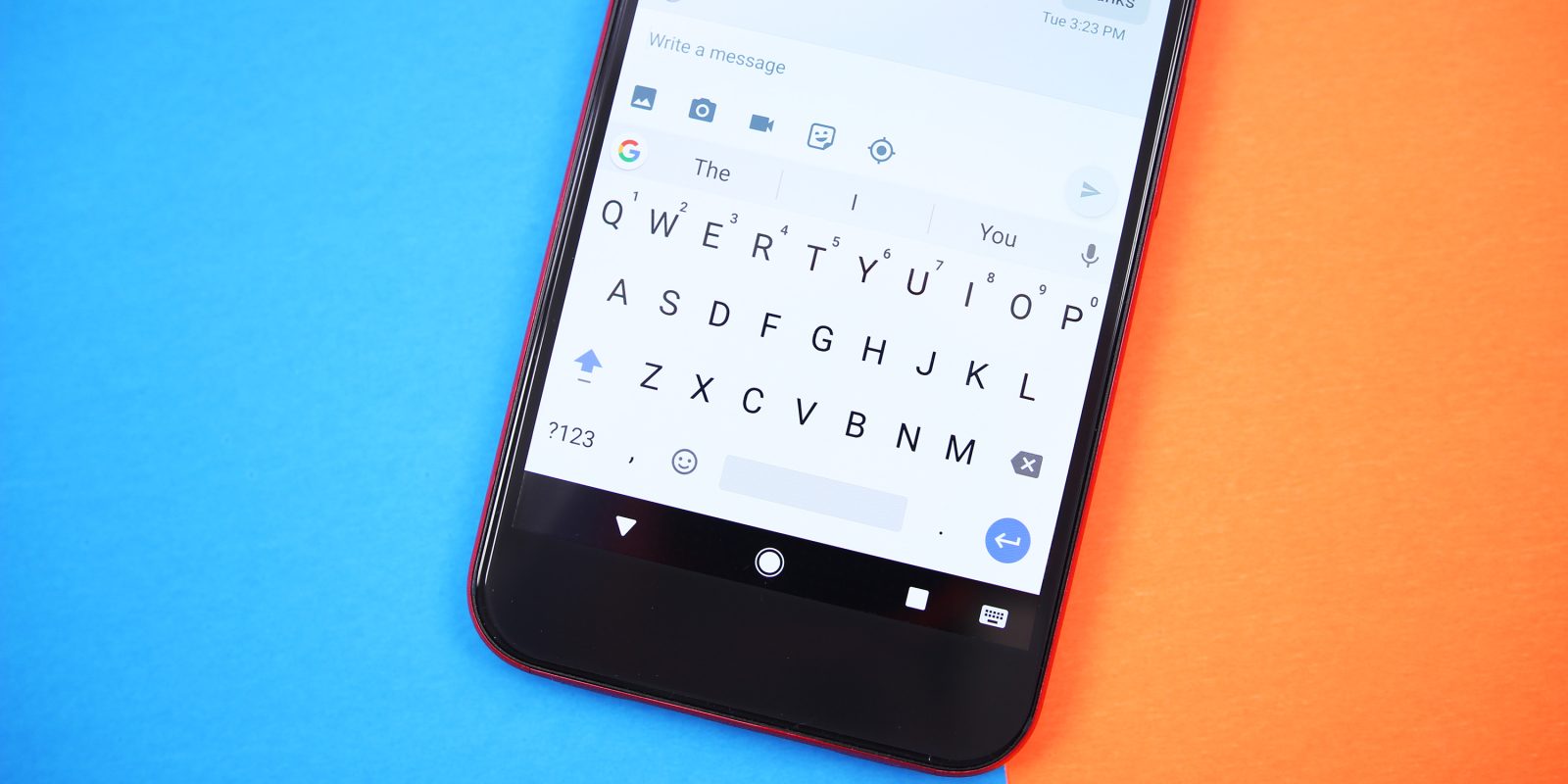
Update 3/9: Gboard 6.1 is now out of beta and beginning to roll out to Android devices. All features from the beta have made their way into the final version, with Google also noting that emojis and GIF searches now appear in the suggestion strip, while search now supports right-to-left languages.
In its first update since being rebranded in January, Gboard for Android is adding a number of new features and customizations. Version 6.1.59 is currently in beta, but users can easily sign-up to get the latest version from the Play Store.
Expand Expanding Close

Google Translates’s augmented reality feature, Word Lens, now works with Japanese. As with other supported languages, you simply point your smartphone camera at a Japanese sign, notice, menu or similar and it will instantly overlay the English text – even without a data connection.

Japan is a thriving country for RPGs (Role-Play Games), but most of them unfortunately remain unaccessible to a lot people due to the language barrier. However, some hardcore enthusiasts don’t give up, and this time one of them offered a rather creative solution…

Google Translate is ten years old and in that time, it’s grown quite a bit and gotten increasingly accurate. However, Google made a giant step in improving translations earlier this year through the use of machine learning. Now that project is expanding…
Google is increasingly adding machine learning to many of its core products. The latest to benefit is Translate with a new Google Neural Machine Translation (GNMT) system that reduces errors by 55% to 85%. The system is already in use 18 million times per day with the notoriously hard language pairing of Chinese to English.
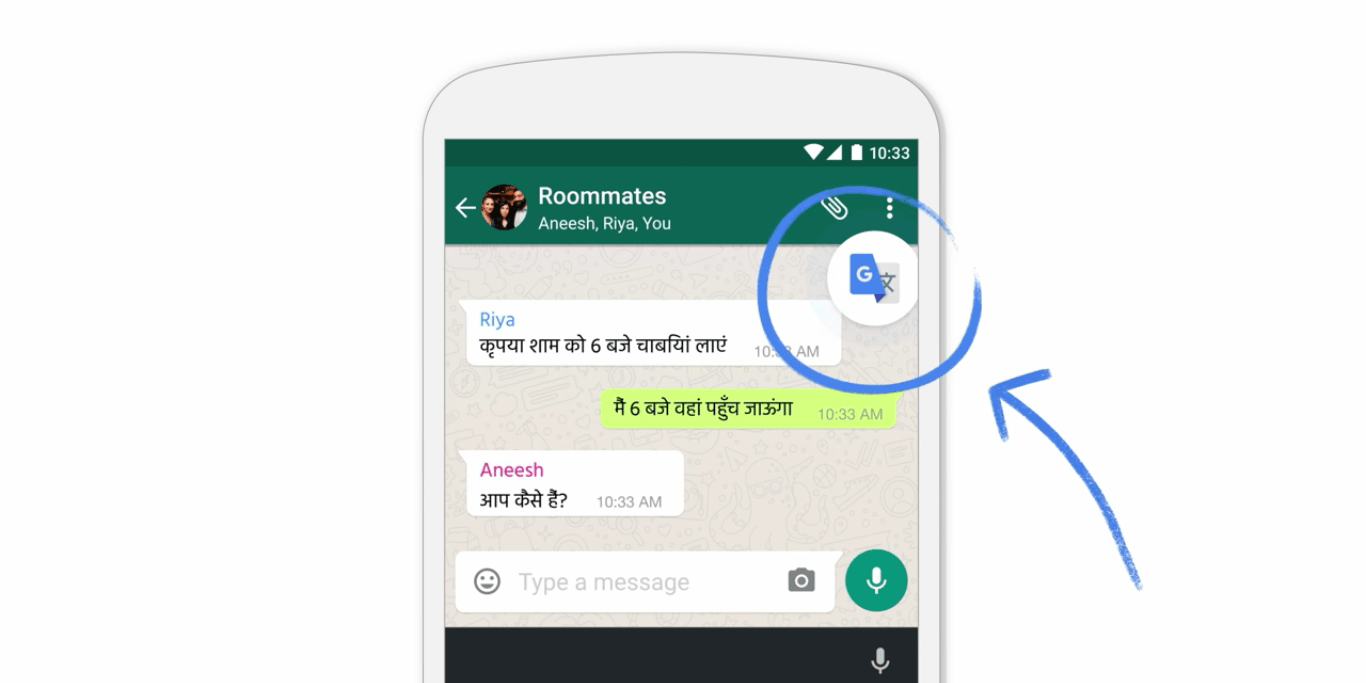
Google Translate is getting a bevy of new features today that will make translating on mobile easier. Android gets a new feature that will get rid of the need to manually copy and paste into the Translate app, while iOS finally gets an offline mode. Additionally, the Word Lens instant visual translation feature now works on both Simplified and Traditional Chinese.
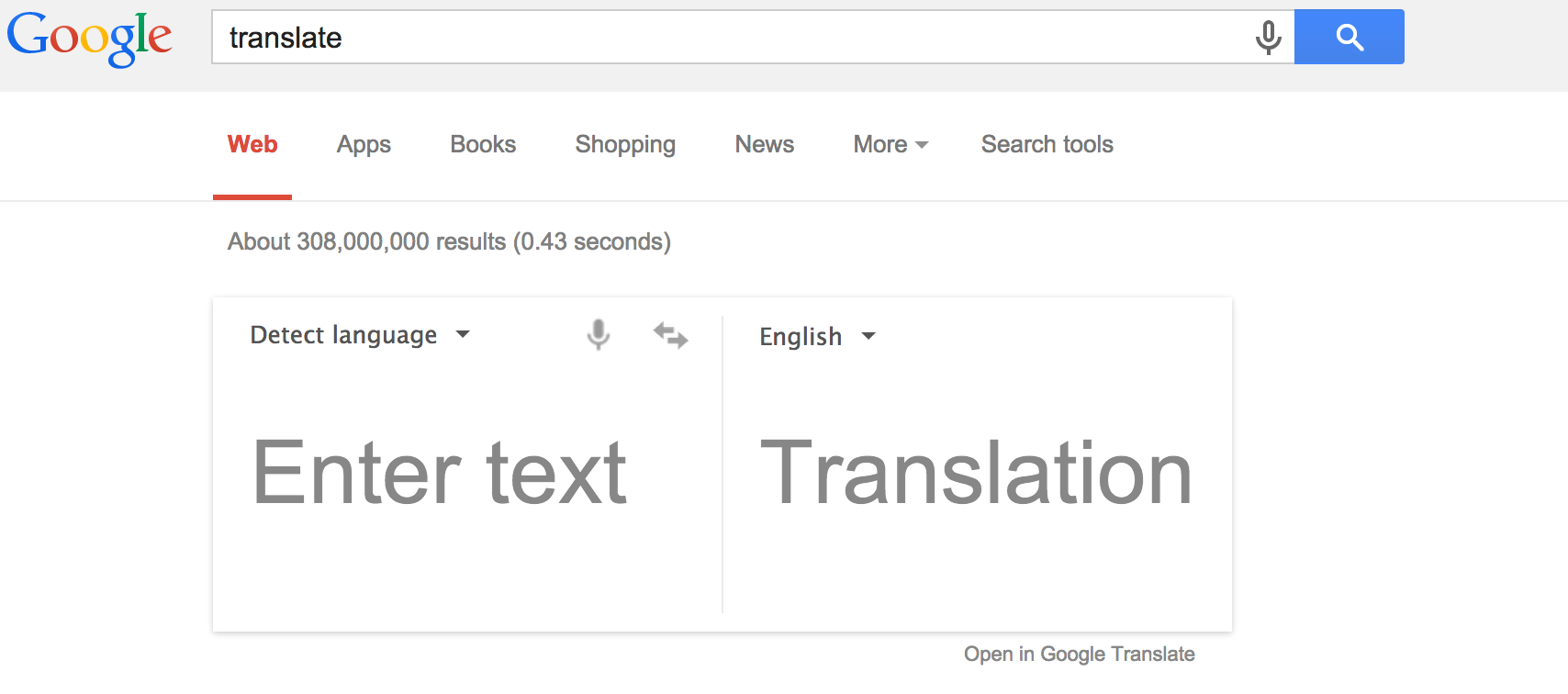
Today’s addition of 13 new languages brings the total number of languages Google Translate understands to 103. The update allows 120 million more people around the world to use the service and will be rolling out over the next couple of days to the web and mobile apps.

Google CEO Sundar Pichai has announced that the company will be rolling out its recently-launched in-app Tap to Translate feature in India in the first quarter of 2016. The feature offers a simple way to translate text from within third-party apps like chat apps and Facebook.
Our most active users in India translate between Hindi and English multiple times a day, spending lots of time copying messages from friends or colleagues, translating them, writing responses, translating their responses, and then pasting them back into an app. With Tap to Translate you can copy text anywhere on your Android phone and instantly get the translation, right then and there — without ever leaving the app. No more copy/paste, no more app switching, just instant translations.
All devices that run Marshmallow will get access to the feature …
Following Google’s donation-matching program, which has so far raised more than $12M to fund humanitarian aid for refugees from Syria and other war zones, the company says that it is now providing technological assistance too.
In a blog post today, Google says that it has developed an open source project called the Crisis Info Hub to provide migrants with access to the immediate information they need on arrival in Greece in a lightweight, battery-saving way. The company says that it is also helping to beef-up mobile data connectivity locally …
Expand
Expanding
Close


Google today announced that it’s tapping into Google Translate to bring in-app translations to Android 6.0 Marshmallow users beginning this week. With the new feature, anyone running the latest version of Android that also has the Google Translate app downloaded will have the ability to translate text into 90 languages right from within supported apps.
Expand
Expanding
Close


Interactive watch faces aren’t the only goodie coming in Android Wear version 1.3, apparently. Google Translate is finally getting its own smartwatch app.

Real world, on-the-fly language translation has always been a little gimmicky if only because it still doesn’t quite hit the mark in terms of accuracy. Human spoken languages are a lot different from computer code in that words can have many meanings based on the context of the other words surrounding them. But that hasn’t stopped Microsoft from releasing its own translation app for Android called Microsoft Translator.
As you can see from the images above, the app is pretty simple. You speak or type in some words you want to translate, then choose the language you want to translate them into. You can save the translated result for later by pinning it, and then come back to it when you really need it — say, if you’re hitting a vacation town for the evening and need some common phrases to help you get around.
Unlike Google Translate, Microsoft Translator has a companion app for Android Wear so you don’t have to pull out your phone to make a new translation or access your pinned translations. Google Now can do some short translations, but nothing very long from my experience. Where Google Translate may lack, however, it makes up in a conversation mode which requires less tapping of the microphone to translate the voices of two people having a conversation — something Microsoft’s solution does not do.

Microsoft Translator, the underlying translation technology powering the app, supports just over 50 languages (yes, including Klingon), and Microsoft periodically adds new languages. The company says that the most important data its translation tools need to accurately translate languages on-the-fly is a lot of existing translations — 1 million translations of the same text into two languages, approximately.
Clearly, though, the new Wear app in particular is an experiment for Microsoft. From their blog post on the launch:
Wearables are a fascinating place to understand user experiences for translation. No other type of device allows people to interact with so little physical intrusion from the device itself— PC’s, tablets, and even phones can be occasionally awkward and unnatural in the middle of a conversation. With these smart devices, we want to learn how people use the apps and how effective the translation experiences can be. By integrating translation capabilities into devices that are instantly on hand (pun intended), we hope to continue to break down the last barrier in human communication— language.


If you travel internationally, you’re well aware that Google Translate’s visual translation features — which originated as the Word Lens app — are invaluable. Today, Google announced that the app has added support for 20 new languages, bringing the total up to 27.
Today, we’re updating the Google Translate app again—expanding instant visual translation to 20 more languages (for a total of 27!), and making real-time voice translations a lot faster and smoother—so even more people can experience the world in their language.
The app originally supported English, French, German, Italian, Portuguese, Russian and Spanish.
As of today, you can now translate to and from Bulgarian, Catalan, Croatian, Czech, Danish, Dutch, Filipino, Finnish, Hungarian, Indonesian, Lithuanian, Norwegian, Polish, Romanian, Slovak, Swedish, Turkish and Ukrainian. You can also do one-way translations from English to Hindi and Thai.
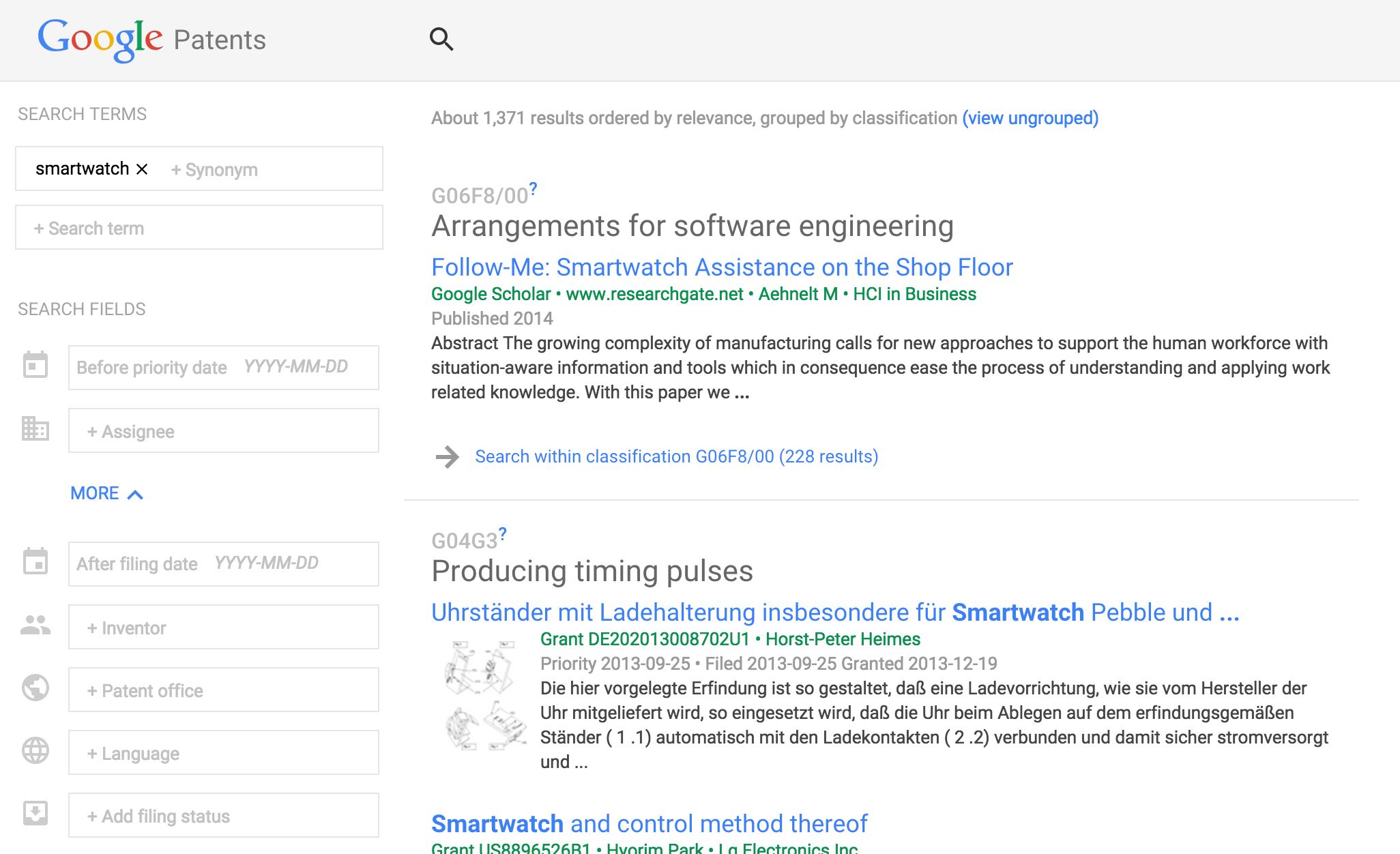
Google is launching a new version of Google Patents today, its web app that lets anyone search for references in patents to better assess if their own invention or patent application is already covered by another.
Expand
Expanding
Close

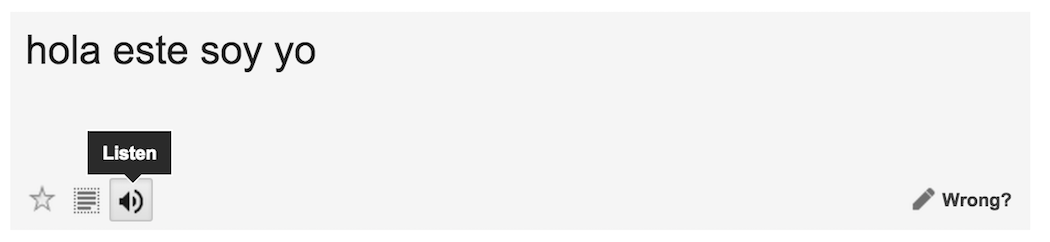
Noticed by a tipster speaking to the (unofficial) Chrome Operating System blog, Google Translate, the multilingual translation tool, has a neat way of converting text translations to speech.
Translate’s text-to-speech function can be used on both the original text and the translated version of the inputted text, which can be helpful when you’re not quite sure how to pronounce a phrase out loud. But maybe you’re trying to get the pronunciation exactly as its spoken by the text-to-speech and you’re having trouble hearing it clearly. I know I’ve experienced that before. Interestingly, the team behind the product seems to have recognized this frustration and programmed the function to slow down its enunciation when you click “Listen” a second time for the same text. Clicking it a third time consecutively will enunciate at the original speed, however.
This seems like something that would be cool to be able to explicitly toggle on and off, rather than simply alternating like it does now. A nice detail nonetheless, however.
Google has announced that it will shortly be rolling out a new version of its Google Translate Android app, with two significant enhancements.
First, it is replacing the existing camera-based text translation with the far slicker Word Lens system. Google acquired Word Lens back in May of last year with this upgrade in mind. If you haven’t ever tried it, this was the app that brought home to me the truth of the Arthur C Clarke saying that any sufficiently advanced technology is indistinguishable from magic.
The near-instant augmented reality translation of signs and menus from any one of French, German, Italian, Portuguese, Russian and Spanish–without needing an Internet connection–still makes me boggle every time I use it …
Google has added 10 new languages to its Google Translate service, increasing the total number of languages supported to 90.
These 10 new languages will allow more than 200 million additional people to translate text to and from their native languages. These languages are available now on translate.google.com and will roll out soon to our mobile apps and to the built-in translation functionality in Chrome.
Google says that it is “just getting started” with the new languages – which span Africa, India, Southeast Asia and Central Asia – and is inviting people to use the Improve this translation link to suggest corrections and improvements. It is also encouraging feedback through the community site it launched in July.
The languages, with quick briefings by Google, are: