Gmail

See All Stories

Announced on April 1, 2004 with an unprecedented 1GB of user storage, many assumed that Gmail was just one of Google’s April Fools’ pranks. For comparison, competing services only had 2 to 4MB for users to store email messages and attachments. Currently, Gmail storage is combined with that of other Google products with 15GB available for free.

Gmail was released in beta with an invite system and was not open to the general public until February 2007. In July of 2009, it finally dropped its beta status. As of February 2016, Gmail is the most widely used web email provider with 1 billion active users worldwide.

Besides email, Gmail has a number of features, including integration with Google Drive for sending large attachments and choosing images from Google Photos. Users can fully search their email with advanced spam filtering and labels to manage messages. Google also scans emails to show context-related advertisements.

Since launch, the email service has gone through a number of redesigns. Apps are available for Android, iOS, and the mobile web.

Nudges on Gmail and Google Messages

How to disable Nudges in Google apps like Gmail and Google Messages

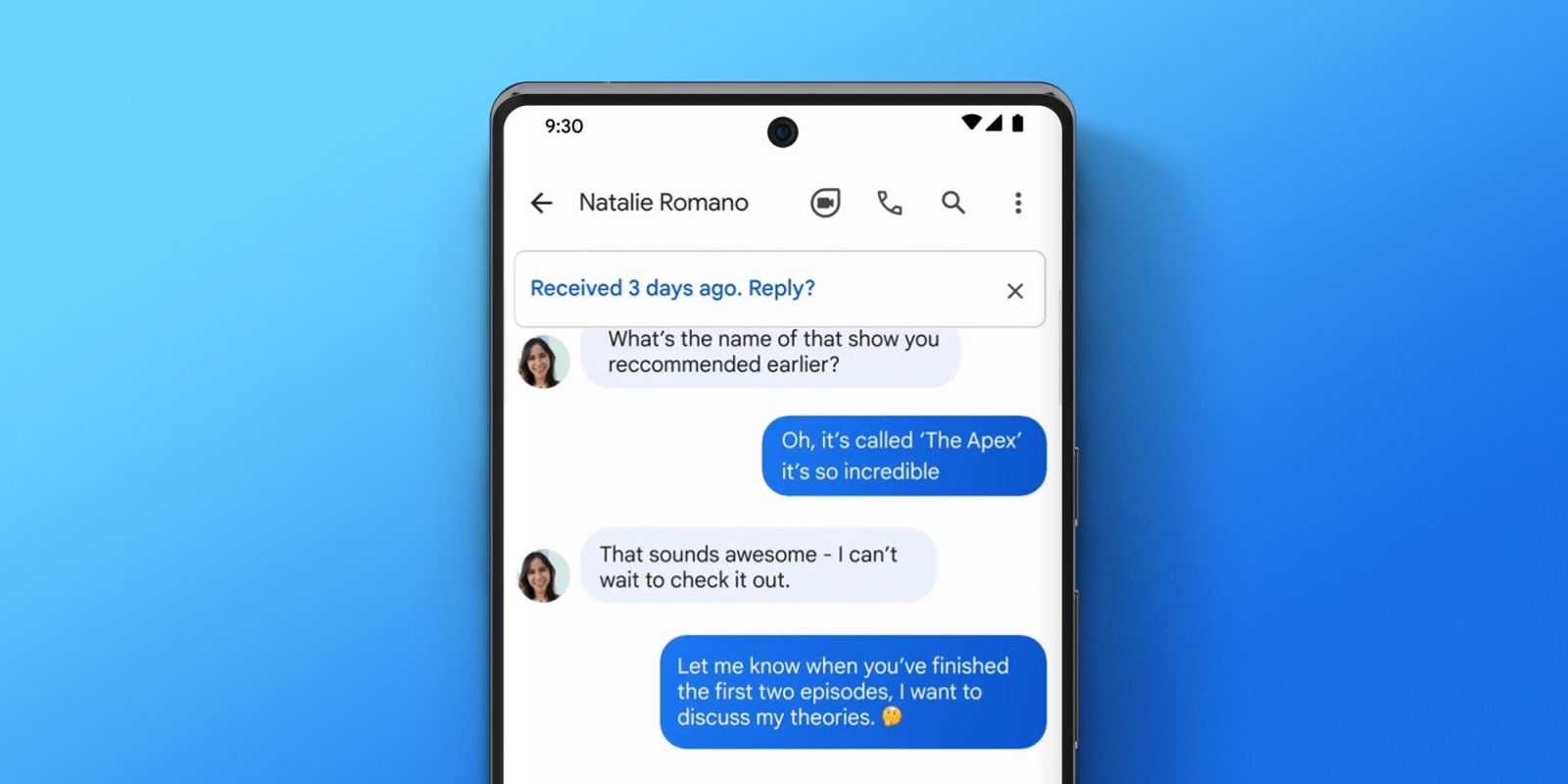
Apps like Google Messages and Gmail have come a long way in terms of development over the past few years. A side effect of this development results in a plethora of features you might not even want to be enabled. One of those is Nudges on Gmail and Google Messages. So what are Nudges and how do you disable them on your Google apps? This quick guide will take you through it.

Expand Expanding Close

Comment: Free Gmail has stagnated amid Workspace focus, Google needs another Inbox experiment

Inbox by Gmail

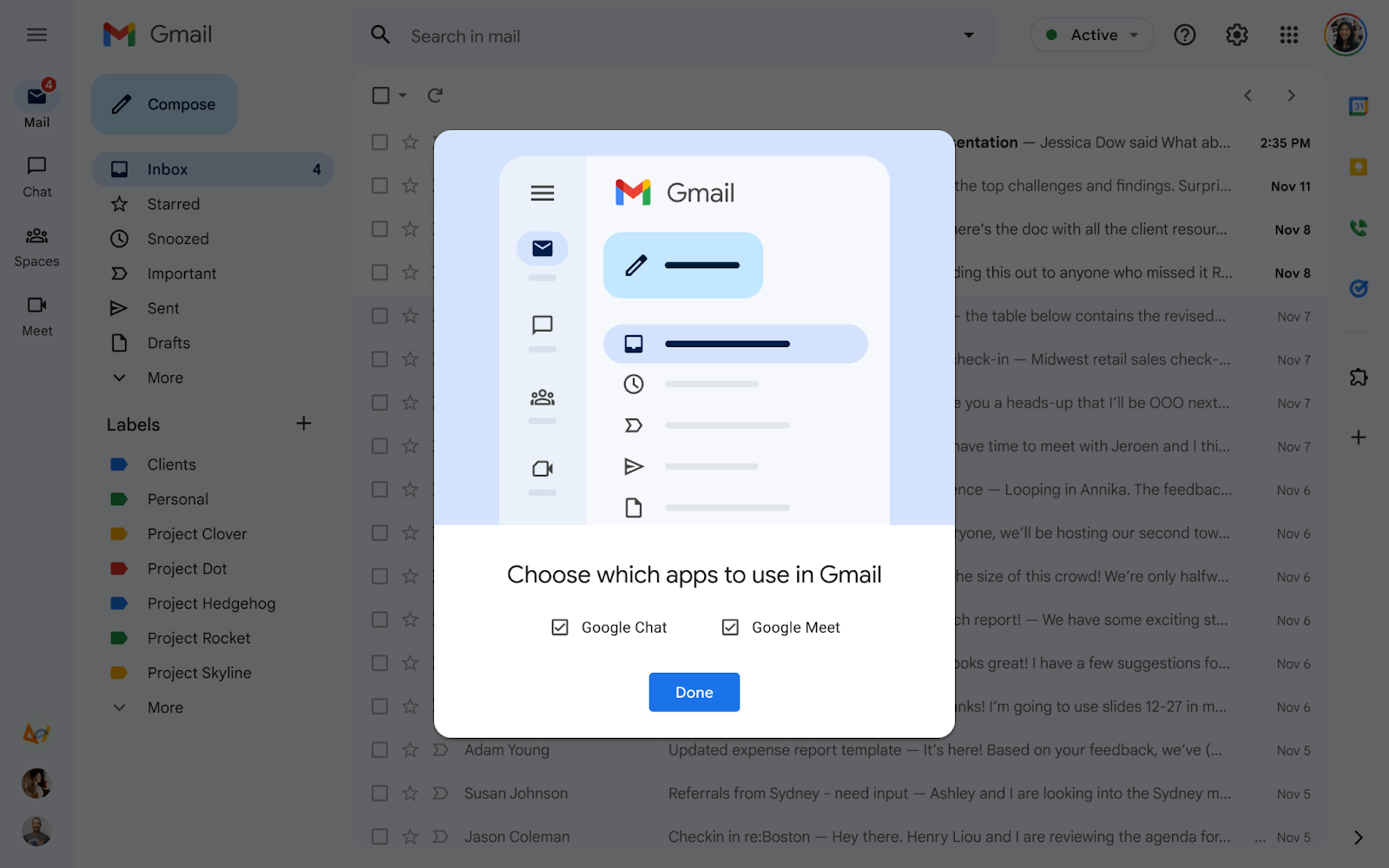
Branding is always remarkably revealing. When you open Gmail, the splash screen shows that it’s part of “Google Workspace.” That brand was introduced in 2020 and compared to G Suite makes very clear that Gmail, Meet, Chat, Calendar, Drive, Docs, Keep, and Voice help you be productive. People obviously utilize Gmail for work, but many more are using it in their personal lives, and that use case, as of late, has been somewhat ignored by Google. One way to address that lack of new innovation can be found in Gmail’s past: Inbox.

Expand Expanding Close

Currents, previously Google+, shutting down next year in favor of Spaces in Gmail/Chat

Google+ shut down in April of 2020 as a social network for consumers, but the product was kept around for businesses that wanted an internal tool to communicate with employees in a post/stream-like manner. Citing low usage, Google is shutting down Currents and replacing it with Spaces in the new integrated Gmail/Chat.

Expand Expanding Close