
Android 16 QPR2 Beta 1 rolling out for Pixel

Ahead of the QPR1’s big Material 3 Expressive redesign going stable, Google is starting the Android 16 QPR2 Beta today for Pixel devices.
Expand Expanding Close
Ahead of the QPR1’s big Material 3 Expressive redesign going stable, Google is starting the Android 16 QPR2 Beta today for Pixel devices.
Expand Expanding Close
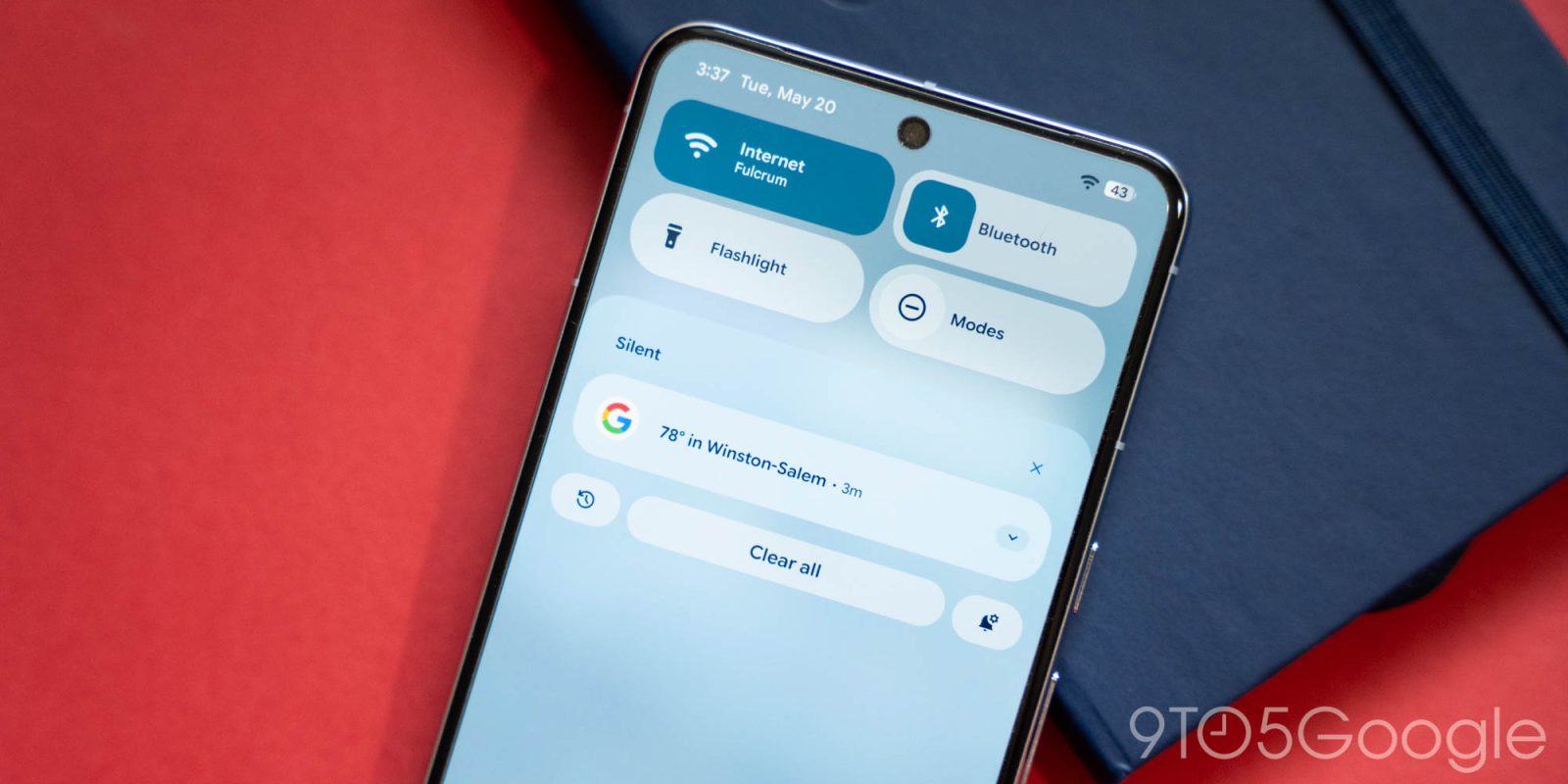
Besides a slew of bug fixes, Android 16 QPR1 Beta 3.1 makes one change to the Location Quick Settings Tile.
Expand Expanding Close
Following the last major release nearly a month ago, Google is rolling out Android 16 QPR1 Beta 3.1 for the Pixel today.
Expand Expanding Close
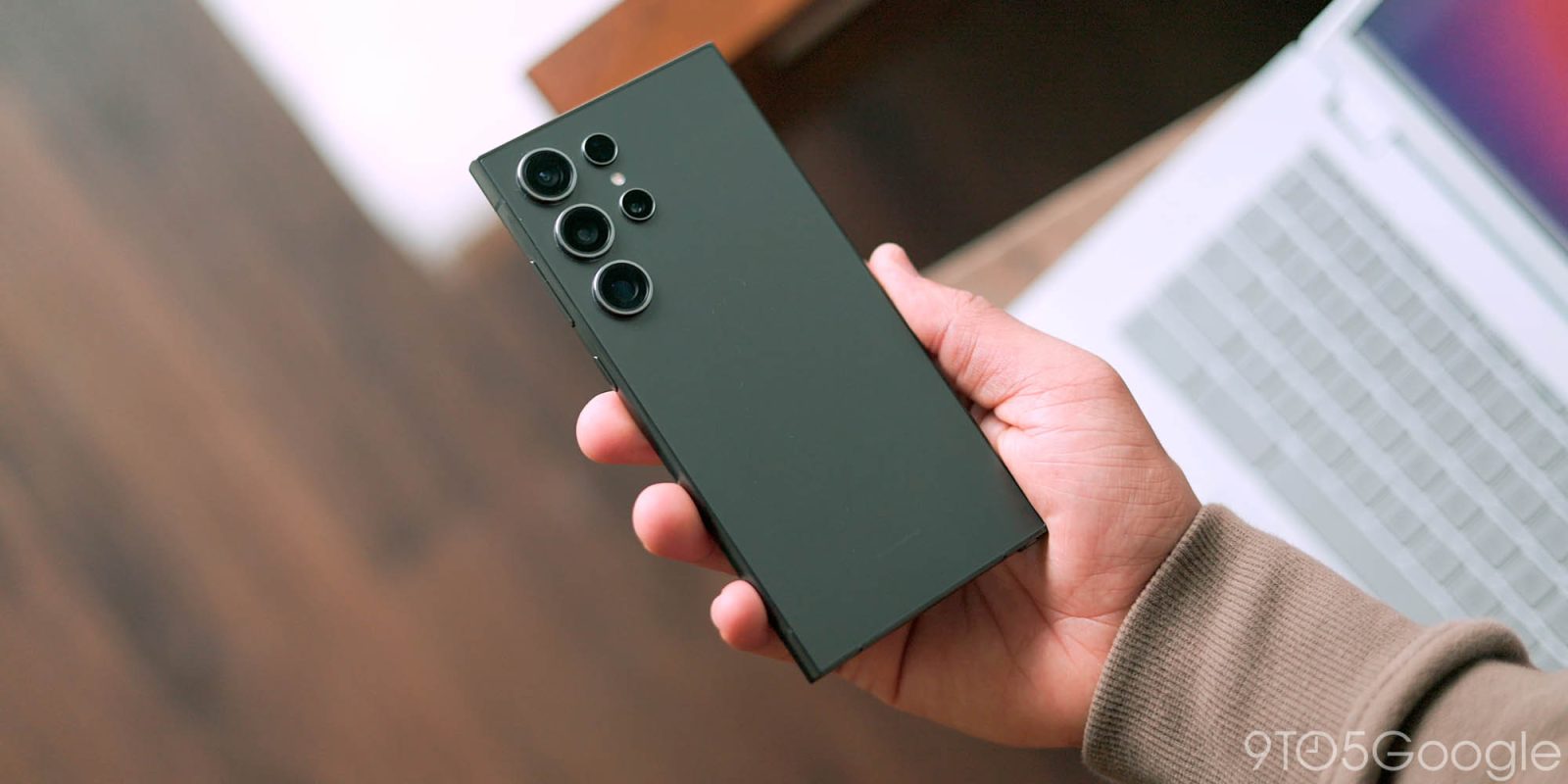
Samsung is getting itself ready to launch the One UI 8 beta based on Android 16 for several Galaxy devices. A new leak details when the Galaxy S24 and S23 series will be allowed access.
Expand Expanding Close
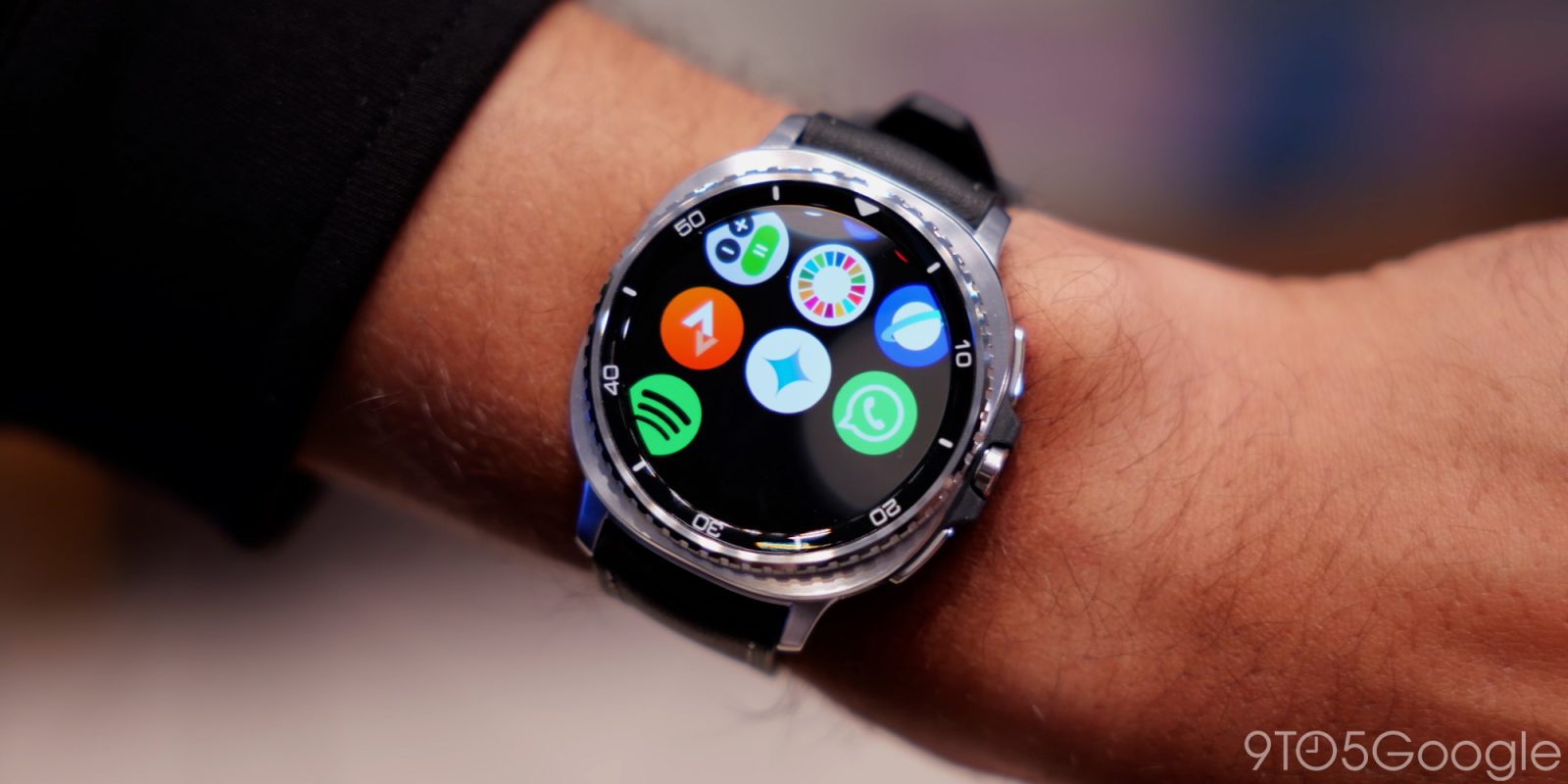
Getting the newest devices in and the latest version of Android on-device go hand-in-hand, but Samsung’s newest Galaxy watch 8 isn’t exactly ready to handle the latest beta version of Android.
Expand Expanding Close
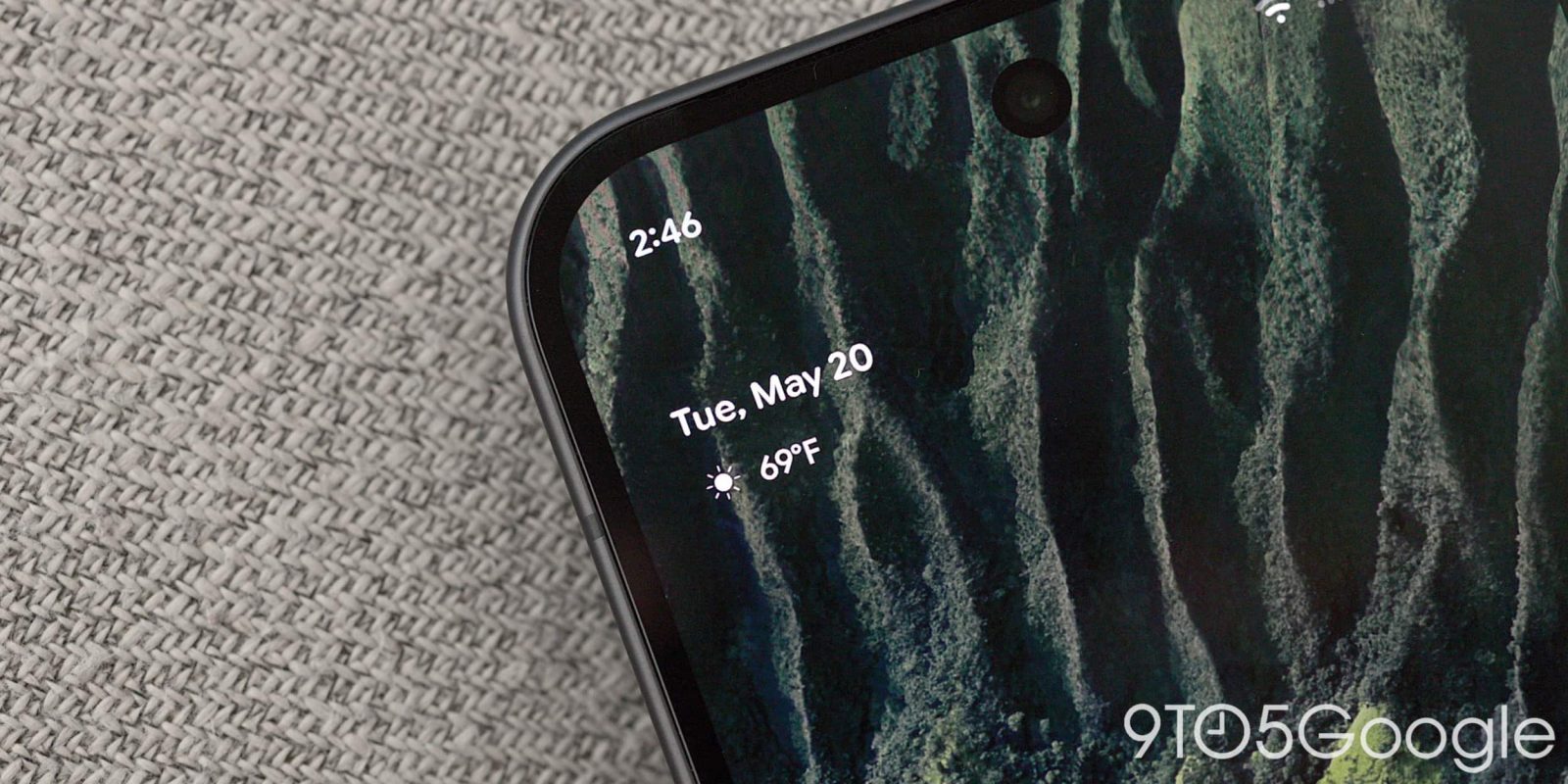
Android 16 QPR1 Beta 3 should be the last major preview (excluding any upcoming .1 patches) before the stable launch in September, and Google is making tweaks to weather in At a Glance and the Pixel Launcher search field.
Expand Expanding Close
The Android 16 QPR1 preview cycle continues today with Beta 3 for Pixel devices today.
Expand Expanding Close
Ahead of the stable launch in September, Google is rolling out Android 16 QPR1 Beta 3 to Pixel devices today.
Expand Expanding Close
Google is rolling out Android 16 QPR1 Beta 2.1 today with the June 2025 security patch and Pixel bug fixes.
Expand Expanding Close
Google has now rolled out the redesigned Pixel Launcher search bar (in the US) and new Gemini launch animation (for everyone) to Android 16 QPR1 Beta 2 users.
Expand Expanding Close
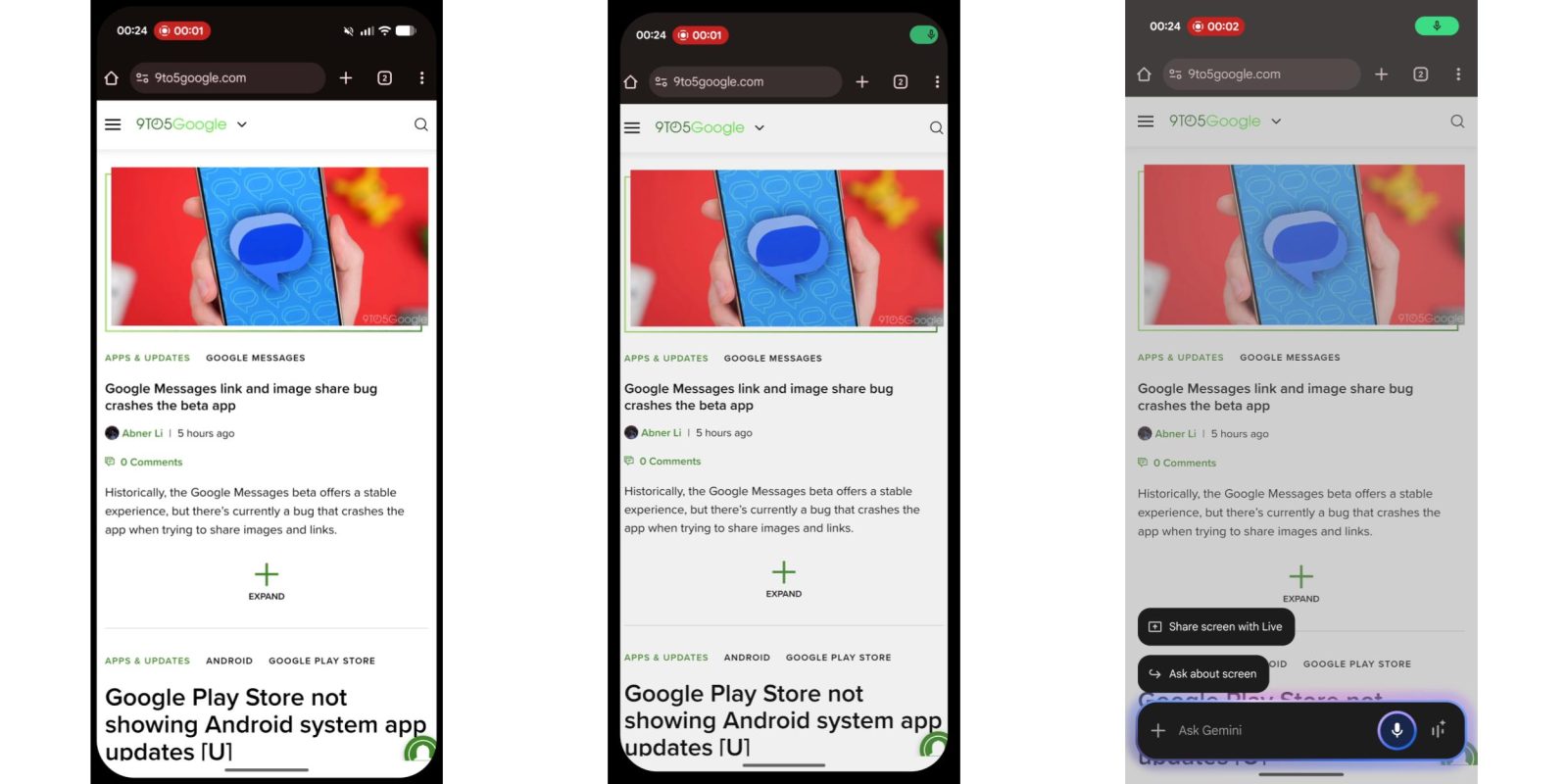
Google is testing a new launch animation for the Gemini overlay with Android 16 QPR1 Beta 2. It also suggests the missing vibration is just a bug.
Expand Expanding Close
Google is rolling out Android 16 QPR1 Beta 2 for Pixel devices today following last month’s big Material 3 Expressive redesign.
Expand Expanding Close
With Android 16 QPR1 Beta 2, it’s slightly easier to manage ongoing calls, including Gemini Live, from the status bar chip.
Expand Expanding Close
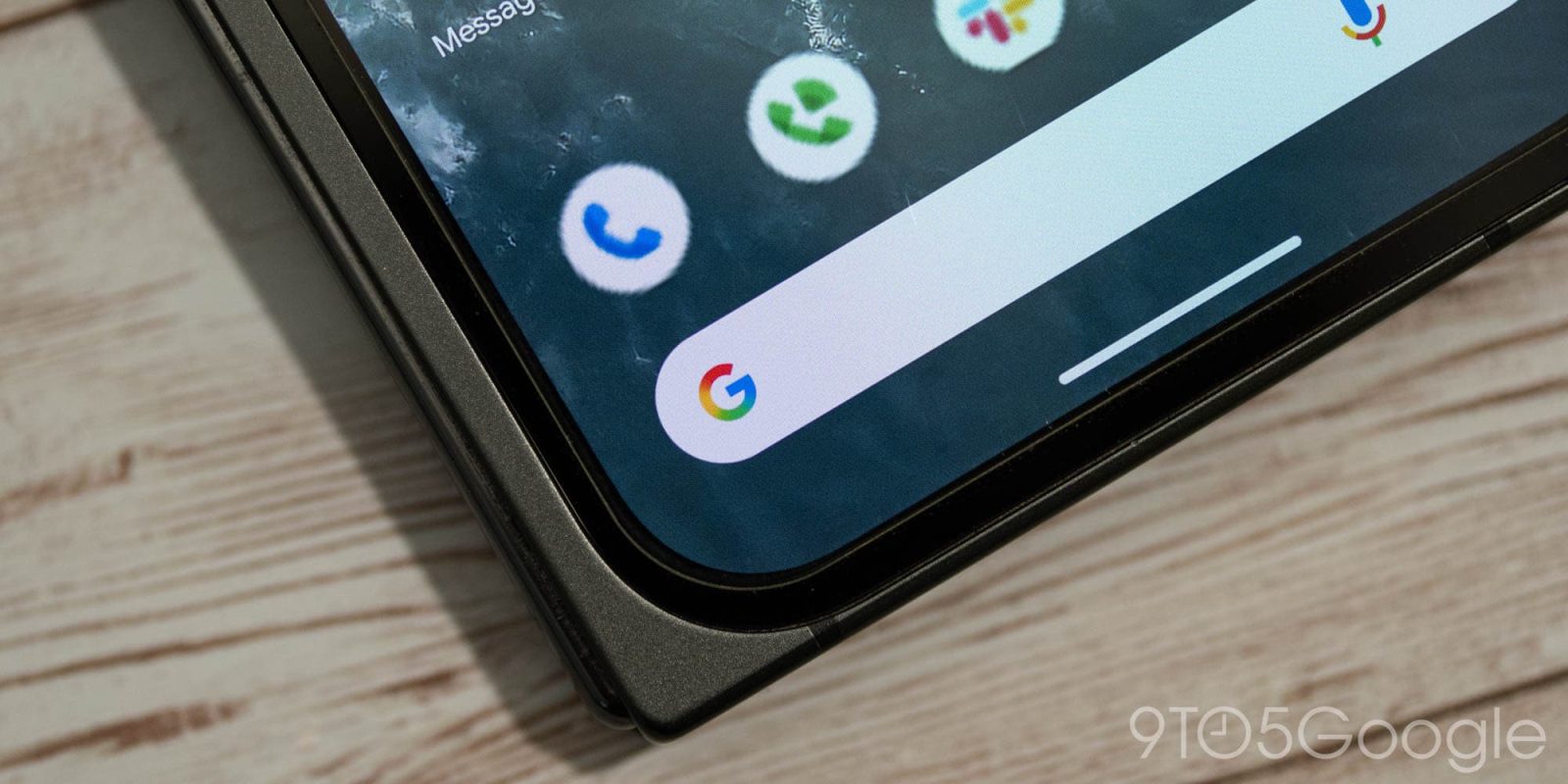
With Android 16 QPR1 Beta 2, the Pixel Launcher search bar is getting a redesign to match the Google app’s updated homescreen widget.
Expand Expanding Close
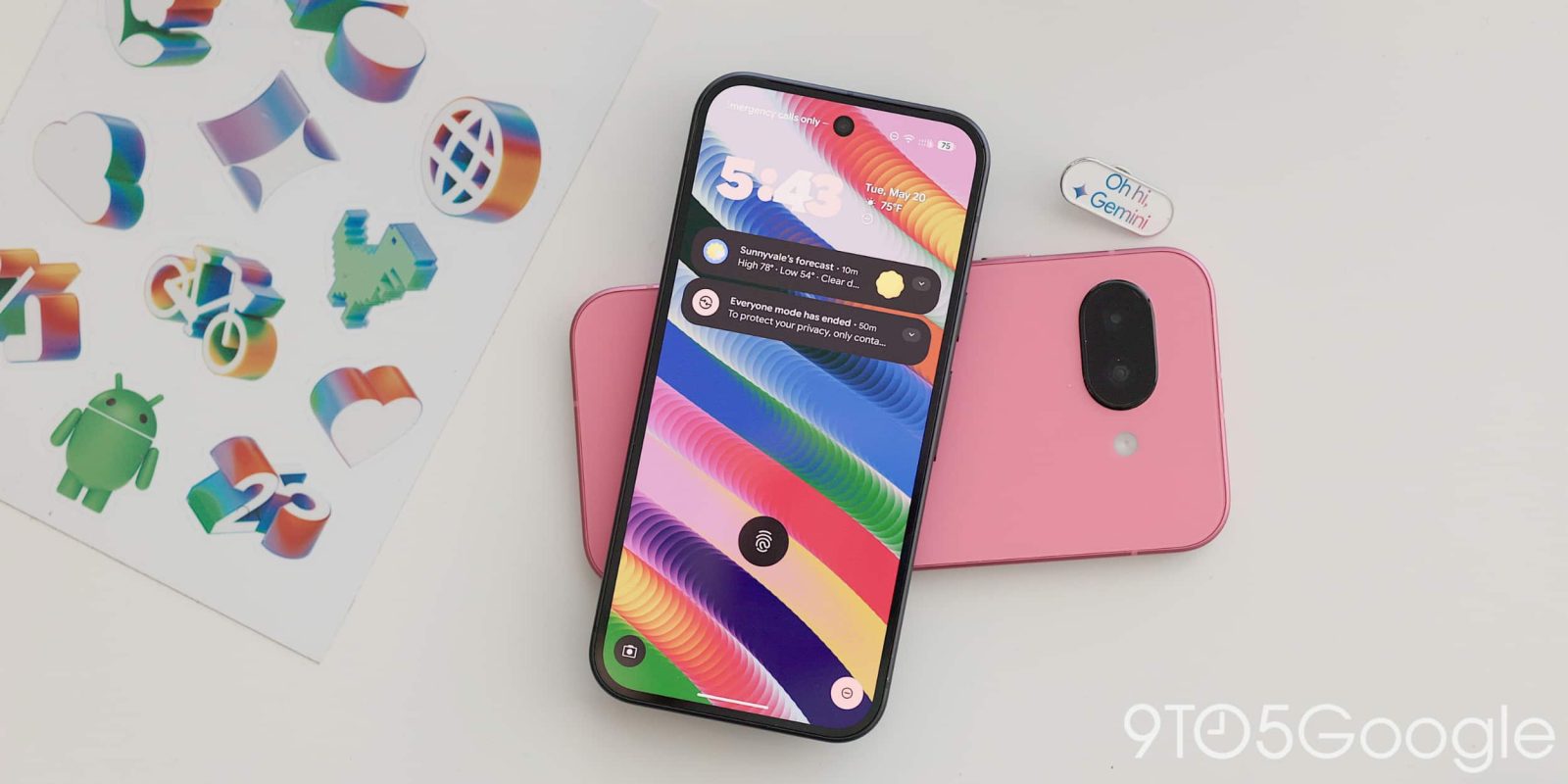
The first beta release of Android 16 QPR1 rolled out a redesigned lock screen with a “seen notifications” section. That newly introduced UI element has now been made a little bit better in Android 16 QPR1 Beta 2.
Expand Expanding Close

Google kicked off the rollout of Android 16 QPR1 Beta 2 yesterday, but Pixel owners looking to skip the lengthy on-device OTA installation are still waiting for sideloading files to become available.
Expand Expanding Close
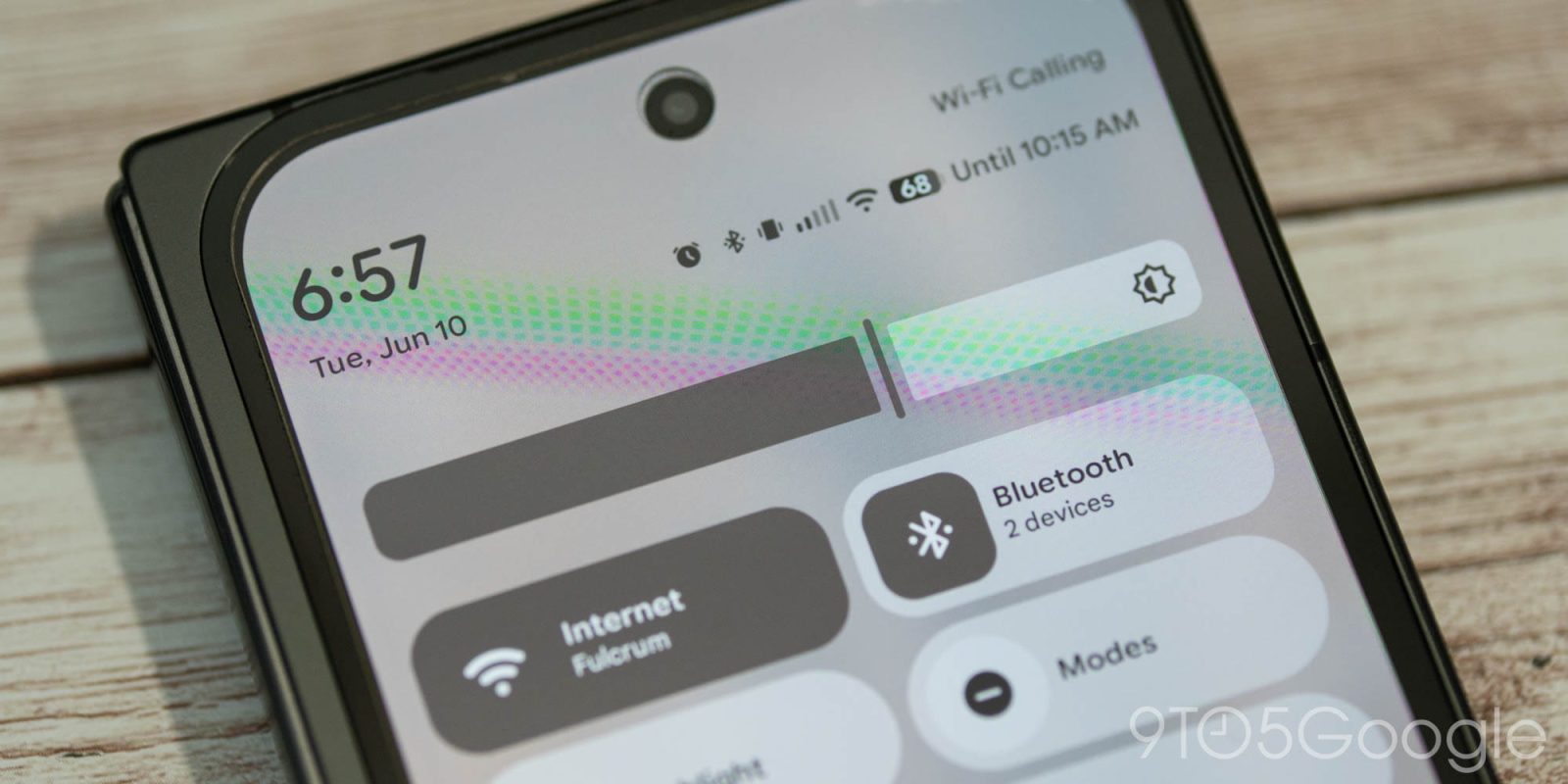
Besides Connected displays support, Beta 2 of Android 16 QPR1 is focussed on refining Material 3 Expressive, including the volume and brightness sliders.
Expand Expanding Close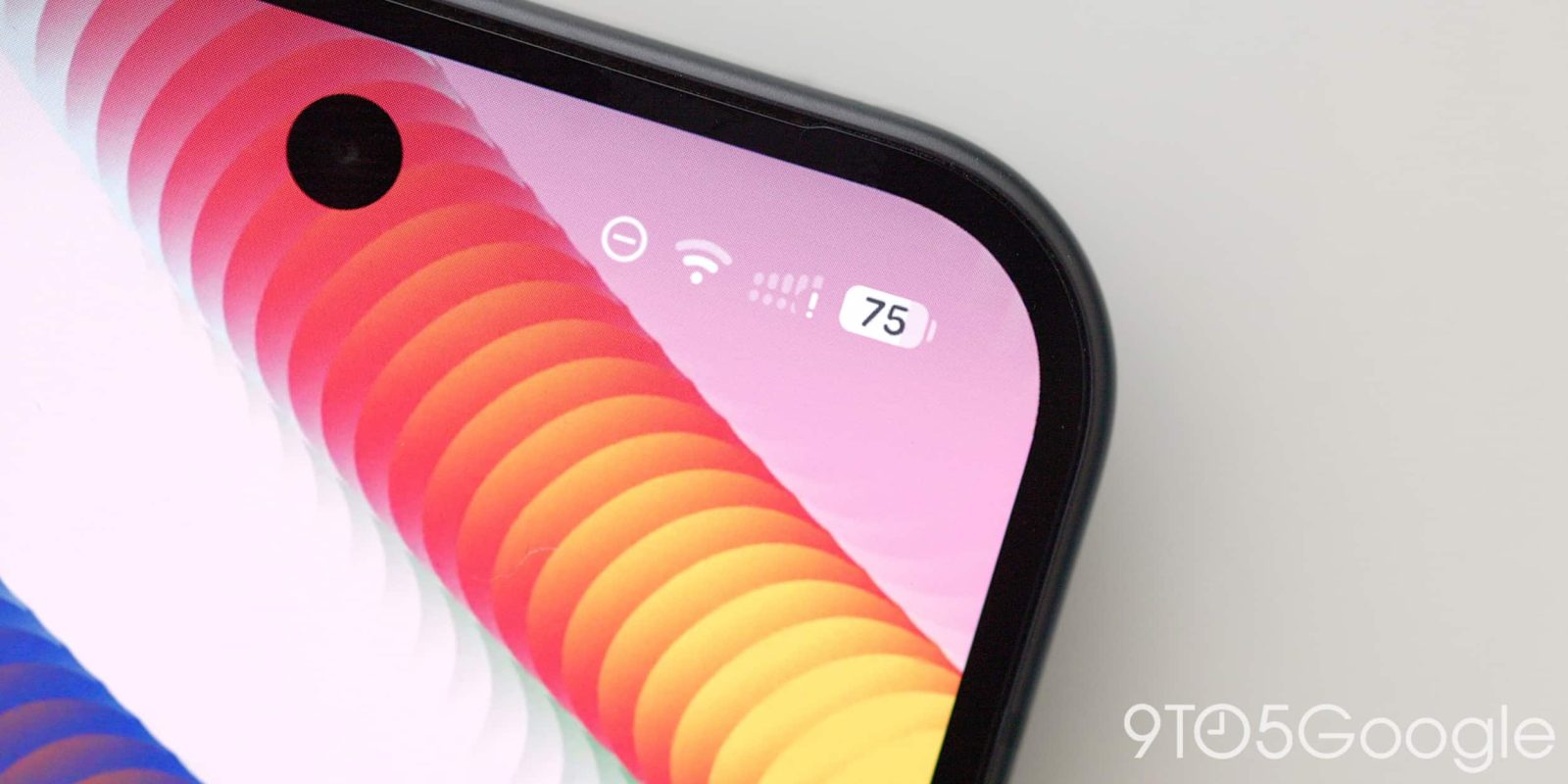
Android’s status bar got a fresh coat of paint with Material 3 Expressive, but the latest Android 16 QPR1 beta swaps the position of the Wi-Fi and network icons.
Expand Expanding Close
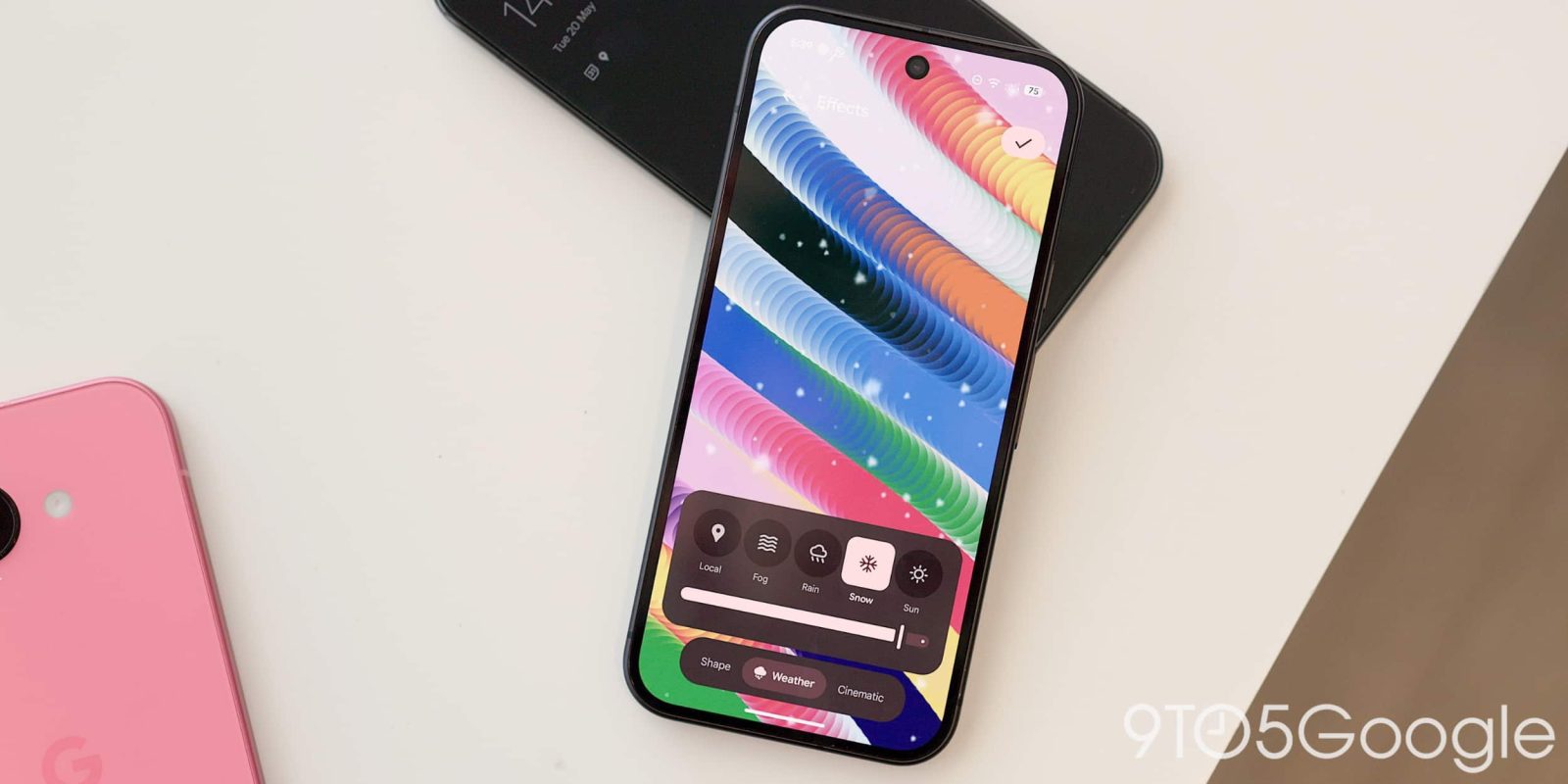
A couple of changes have been made to the Android wallpaper selector in Android 16 QPR1 Beta 2, including the addition of a recent photos section and a new “Live effects” category.
Expand Expanding Close
One small tweak in Android 16 QPR1 Beta 2 sees the new Google ‘G’ logo come to the Pixel Launcher search bar.
Expand Expanding Close
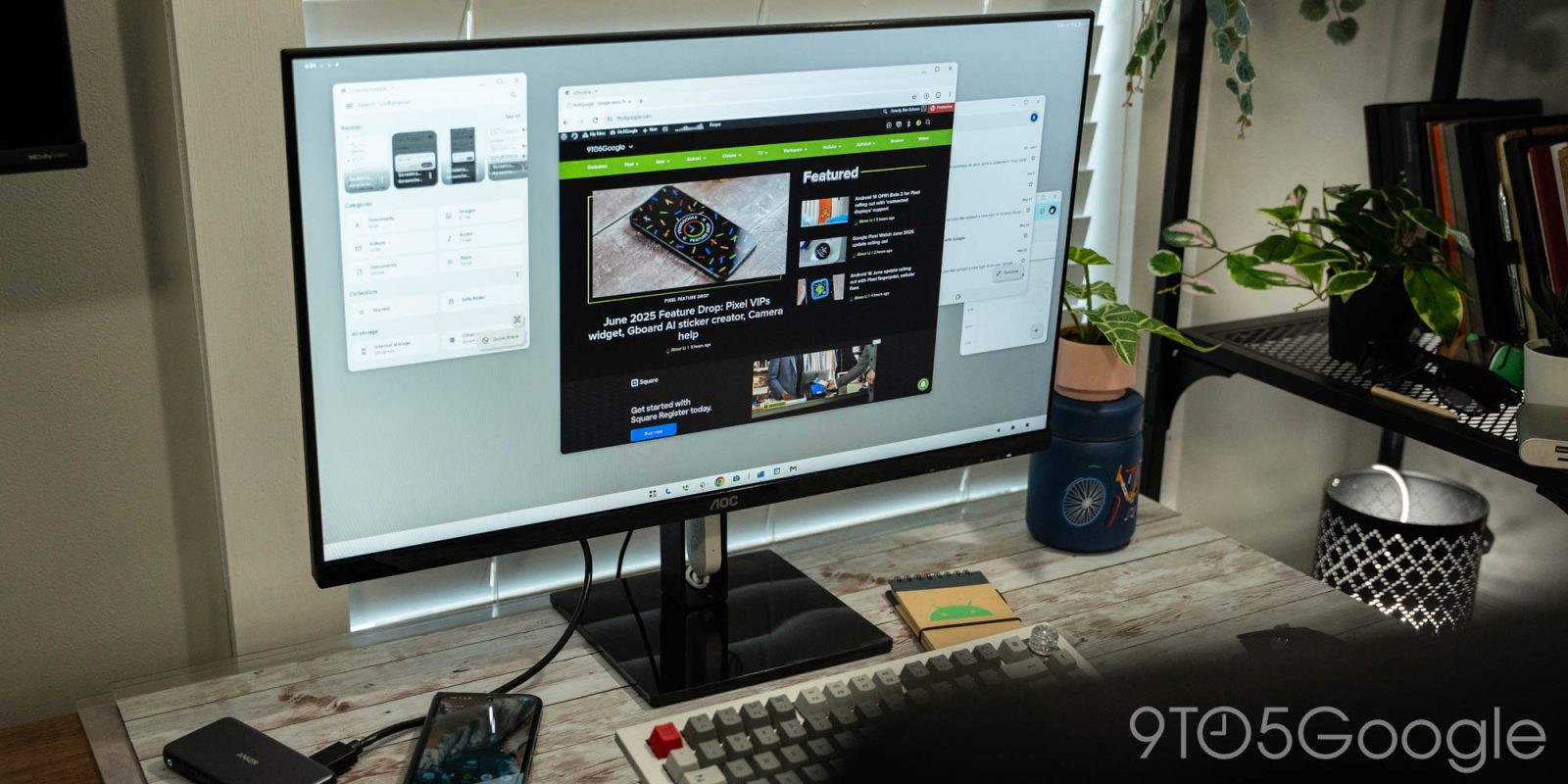
Google has delivered on Android 16’s new desktop mode in the latest QPR1 beta and, while it’s mostly broken, you can experience it now on select Pixel devices.
Expand Expanding Close
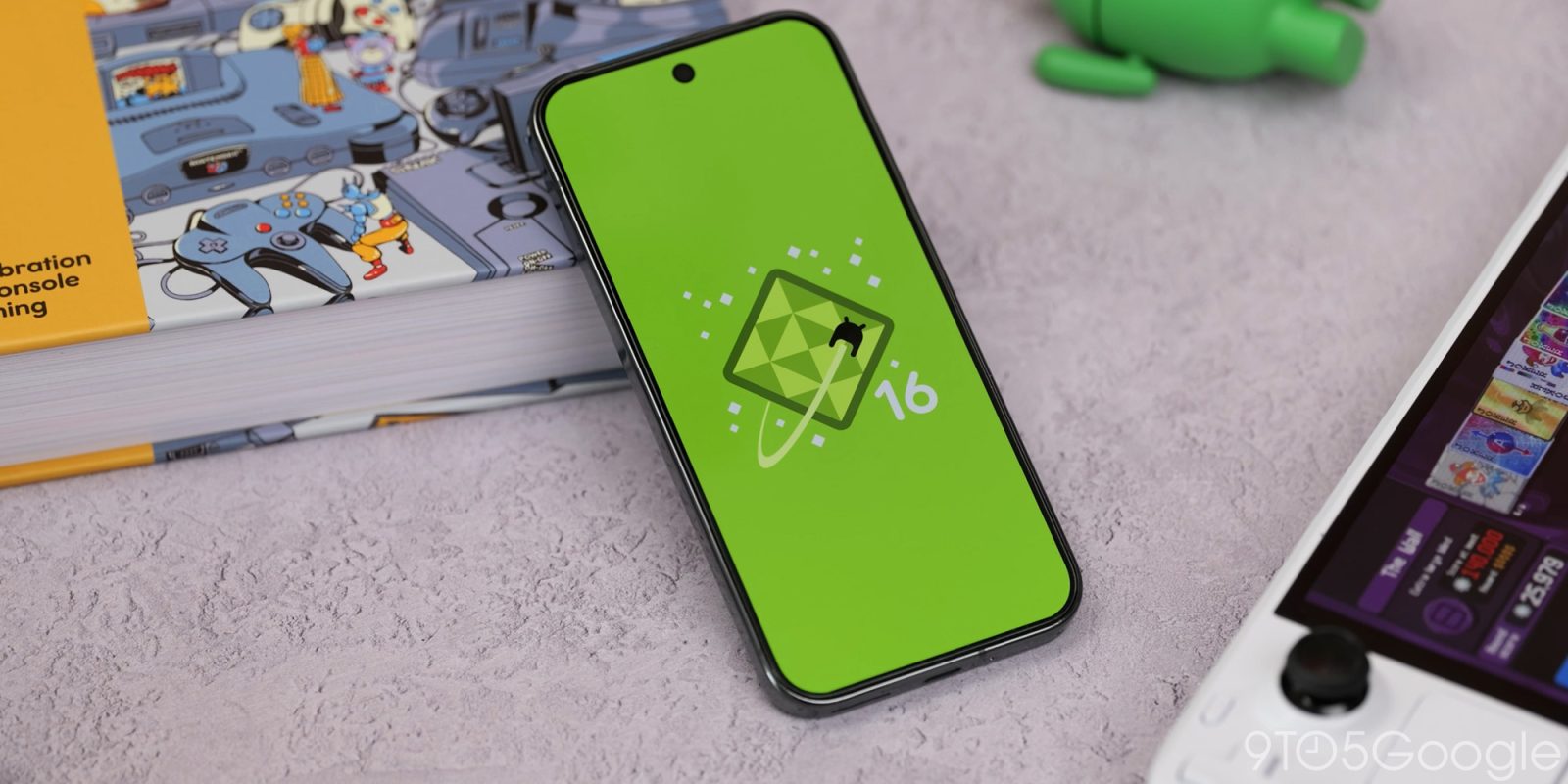
Android 16 has already shown that UI elements are going to get some serious design changes. The Android 16 QPR1 Beta 2 targets the sound and vibration menu, and it’s a little louder, visually.
Expand Expanding Close
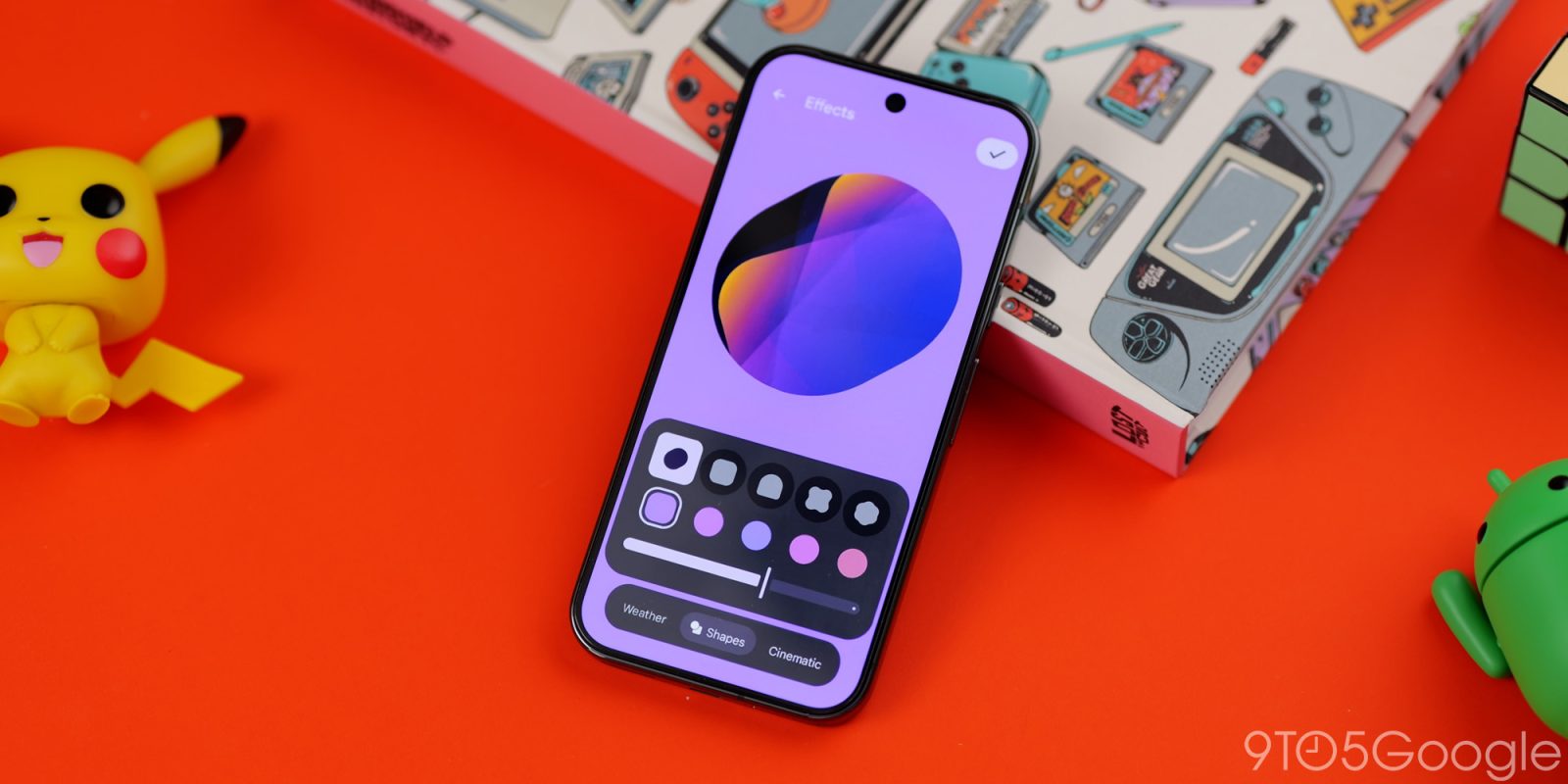
While the stable build of Android 16 is not yet available, the major QPR1 update is already available in beta, bringing the big Material 3 Expressive redesign along with it. Here’s how to install Android 16 QPR1 Beta on Google Pixel.
Expand Expanding Close
Following last month’s big redesign, Google today is rolling out QPR1 Beta 2 to Pixel devices. Notably, this release features a developer preview of “enhanced” Android desktop experiences with connected displays.
Expand Expanding Close