

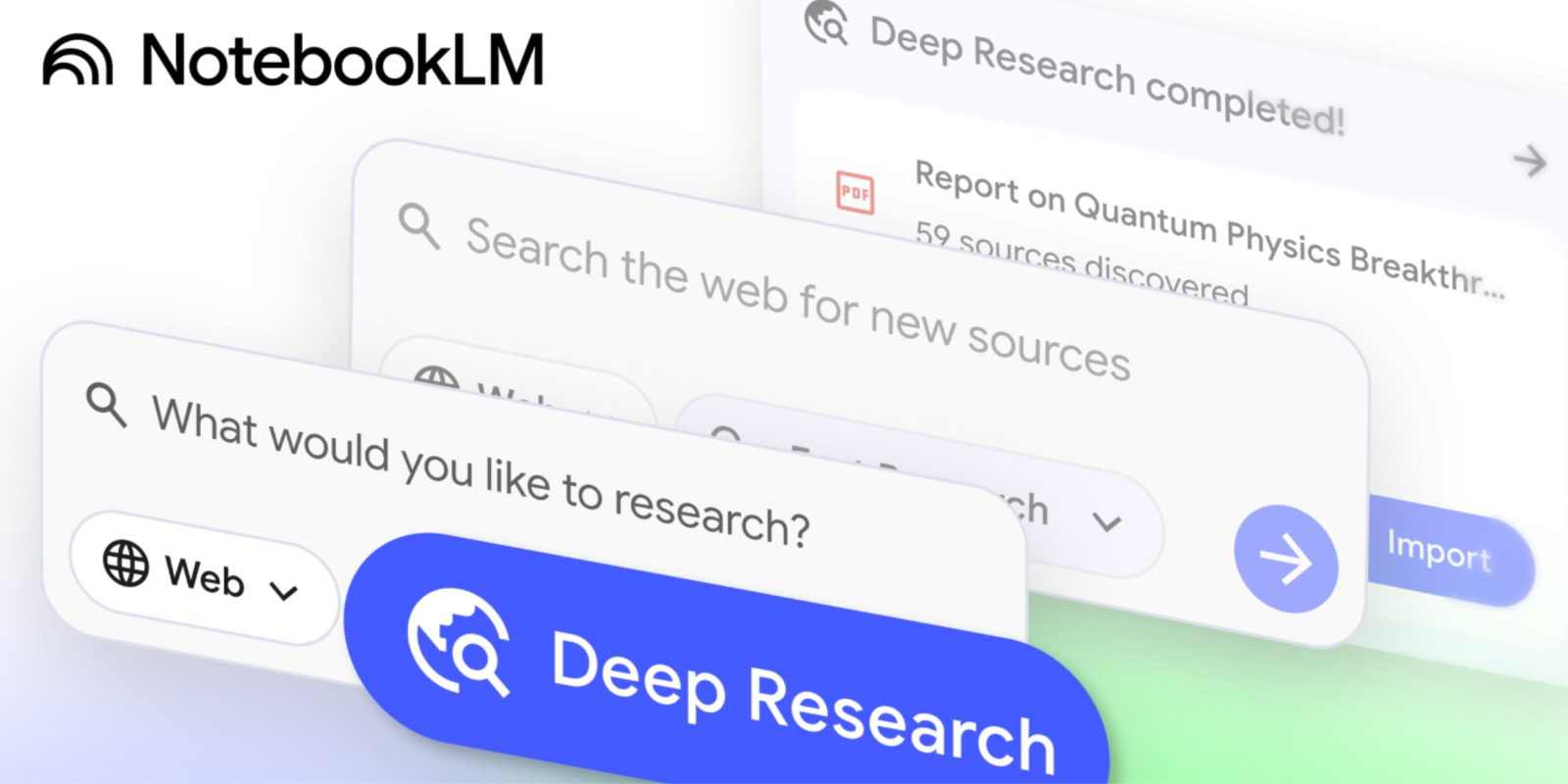
Following last week’s big mobile update, NotebookLM is back with Deep Research and Microsoft Word support.
NotebookLM is adding its own Deep Research capability to “automate and simplify complex online research.” Besides “recommending relevant articles, papers or websites,” Google will create a detailed report.
From the Source panel, “Deep Research” joins the existing Discover sources option, which is now called “Fast Research.”
- Fast Research: Best for a quick search. It rapidly scans for information, letting you immediately review and import sources.
- Deep Research: Best for a full briefing. It performs an in-depth analysis to find high-quality sources. This runs in the background so you can continue your work.

You can add both the generated report and sources that were used to the notebook. Google wants to help “you assemble a rich knowledge base on any topic without leaving your workflow. “
Meanwhile, NotebookLM is adding support for more source file types. You can now add Google Drive files as URLs with copy-paste. When adding multiple, just separate the links with commas. Similarly, you can directly add PDFs stored in Drive without manually having to download and re-upload.
Google Sheets support lets you “add structured data and ask information on key statistics or generate summaries from your spreadsheets.”
Finally, NotebookLM now supports Microsoft Word documents (.docx) to save people from manually converting/exporting files.
NotebookLM Deep Research and expanded file support will be available “to all users within a week.”


FTC: We use income earning auto affiliate links. More.


Comments