

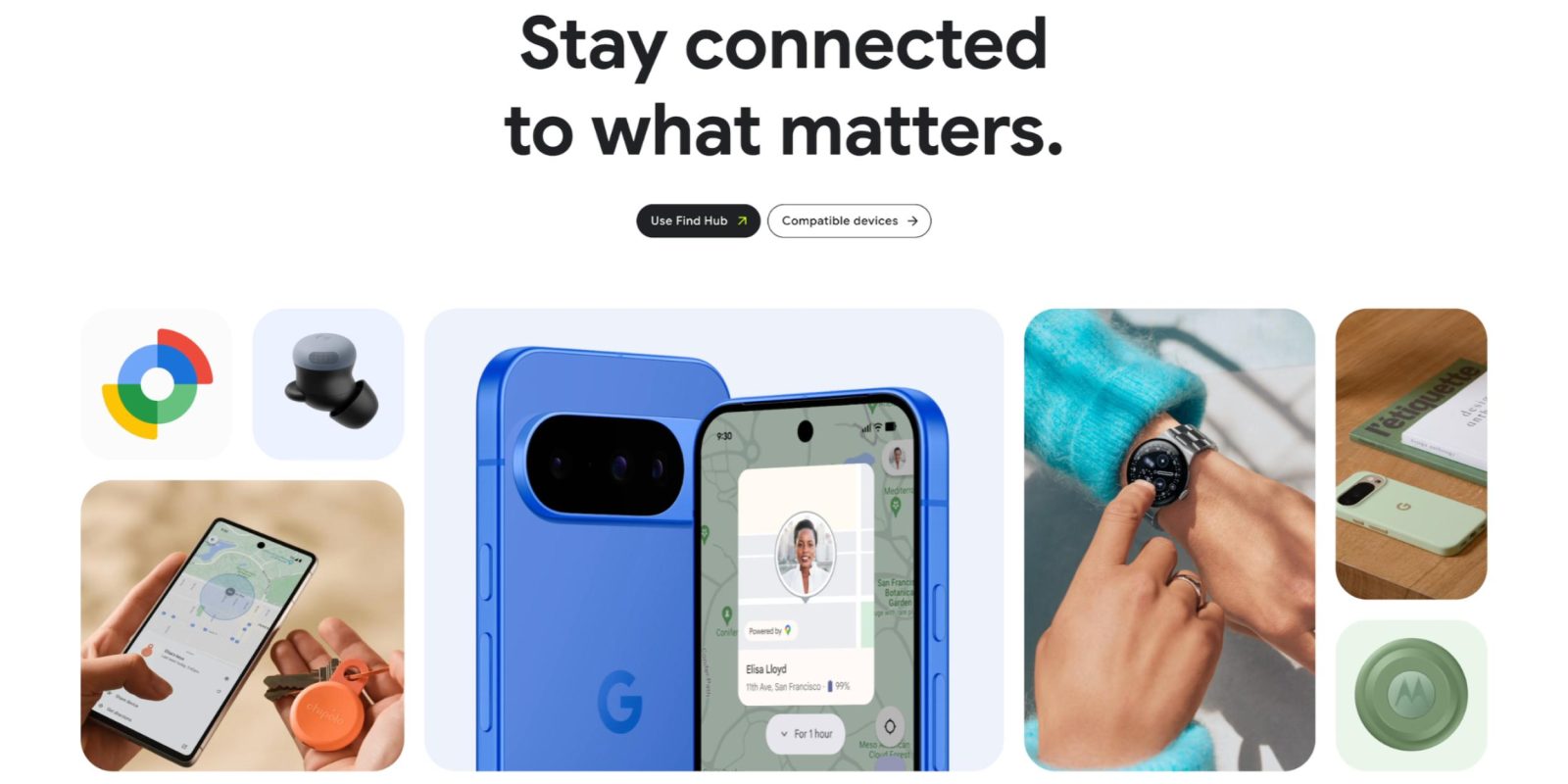
Google is rolling out the latest Find Hub app update on Android, while android.com now offers a comprehensive list of compatible devices.
Version 3.1.458 of Find Hub is rolling out with a pair of tweaks. Tapping your profile avatar in the top-right corner opens the fullscreen account menu (force stop the app after updating). Most Google services have been updated at this point, though the big exceptions are Pixel-exclusive apps: Weather, Recorder, Studio, and Journal.
In Settings, you’ll find a new “Distance units” menu with four options: Use default, Metric, US, and UK.
Find Hub 3.1.458 is slowly rolling out via the Google Play Store.


Meanwhile, Google in October significantly updated the Find Hub site on android.com: “Find Hub turns ‘lost’ into ‘found’ — helping you locate devices and connect with family and friends quickly and safely.”
This landing page is divided into Find (with a demo of UWB Precision Finding), Connect (People location sharing), and Protect (privacy features).
Also of note is a revamped Compatible devices list that highlights trackers from Chipolo, Pebblebee, MiLi, Motorola, and Rolling Square, as well as headphones.
Compared to before, Google has also significantly filled out the “All compatible brands” with over 60 companies and a hundred devices. It’s organized by Tracking Tags, Headphones and Speakers, and Embedded Tracking.
From smart tracking tags, trackable earbuds, to headphones, know where your most important items are with Find Hub. Browse the full list of supported accessories and devices from top brands.




FTC: We use income earning auto affiliate links. More.


Comments