

A widespread issue is causing the Fitbit app’s food log to simply not function, but a fix seems to be in the pipeline.
The Fitbit app is mainly thought of in the contenxt of step, heart rate, and workout tracking, but it provides more tools to those looking to improve their health. One of those features is the ability to log foods. To make that easier, the Fitbit app features a library of common food items, including the ability to scan a barcode on pre-made food items to add them to your daily log.
Over the past 24 hours, this functionality has essentially broken entirely.
The actual food log page is still working, but it’s difficult to add items. Pulling up the search option or barcode scanning is not functional, cutting out most of the functionality here. You can still create custom food items to log them, but all of the automated pages are either left blank or simply not functional.
Users are reporting this issue widely, with only the frequent food, recent food, and custom food options available. Search returns a blank page and trying to search for an item simply doesn’t work. The barcode scanner, meanwhile, returns a “fitbit.com is down for maintenence” error pop-up on Android and, at least in our testing on iOS, the scanner doesn’t show a camera preview at all.
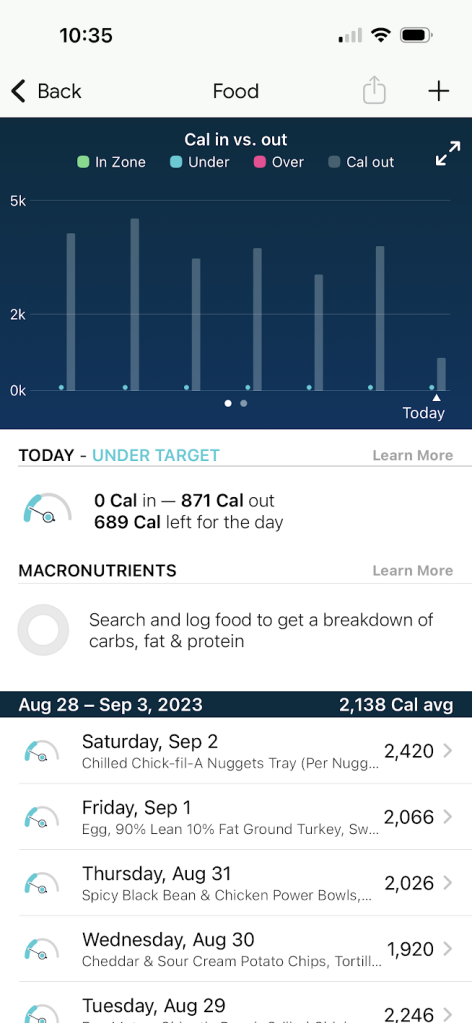
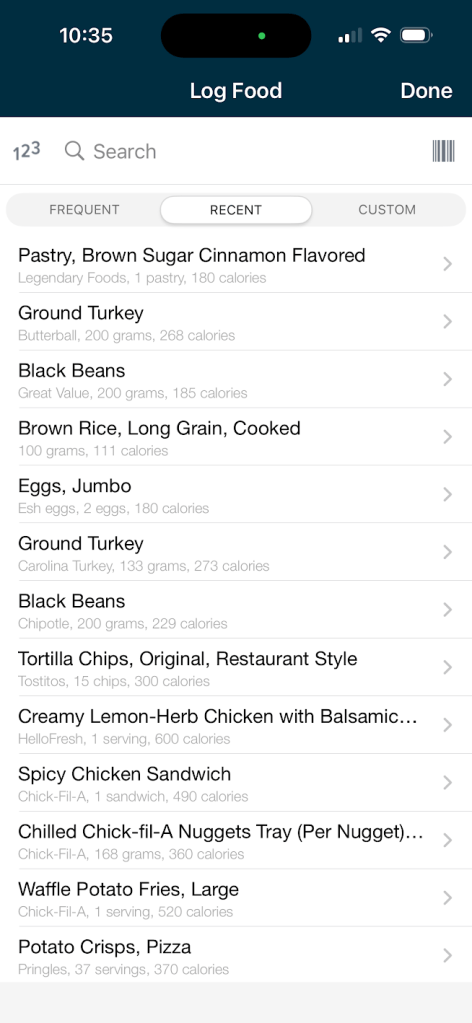
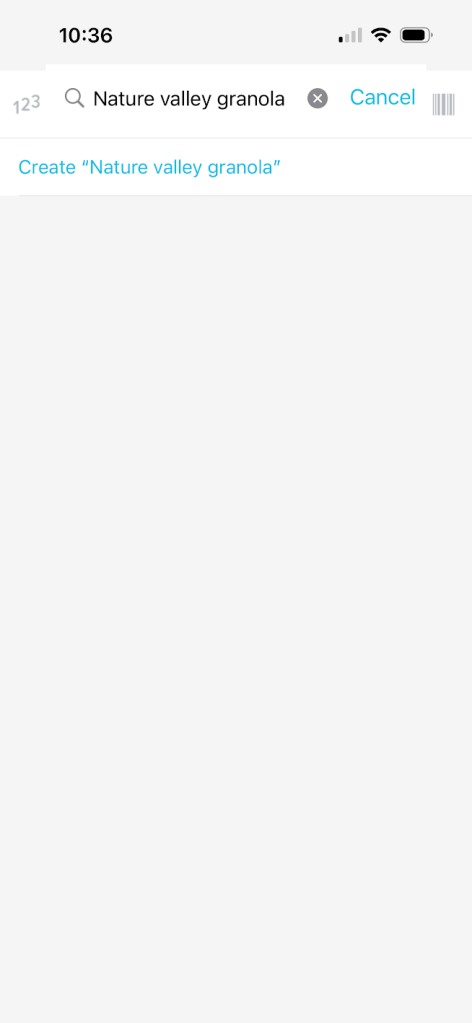
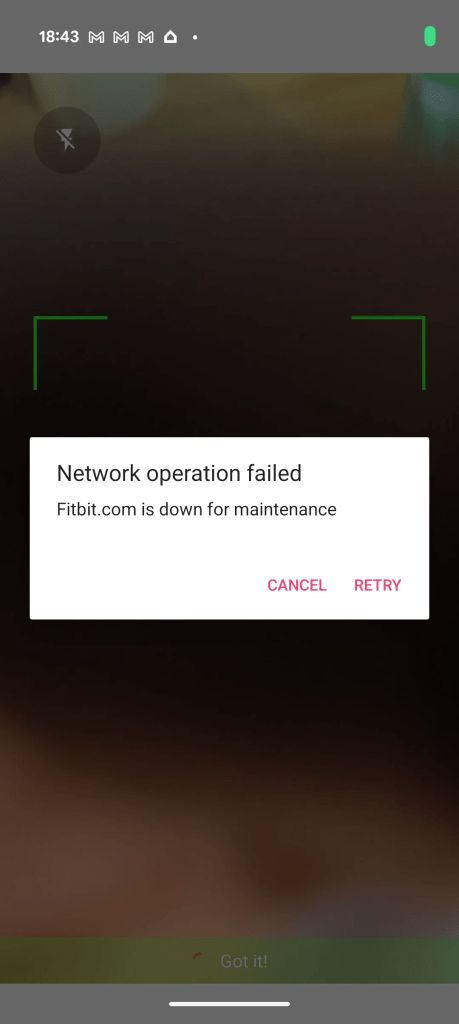
Google has yet to officially acknowledge the situation, but support representatives are telling users that “this is not an isolated issue specific to your device” and that Fitbit is “working to identify a resolution as quickly as possible.”
We’ll update this article as more information is available.
More on Fitbit:
- Fitbit Labs testing ‘Unusual Trend Detection’ and Hypertension Study
- You won’t be able to use these features in the redesigned Fitbit app preview yet
- Google says new Fitbit hardware is coming in 2026
Follow Ben: Twitter/X, Threads, Bluesky, and Instagram


FTC: We use income earning auto affiliate links. More.



Comments