

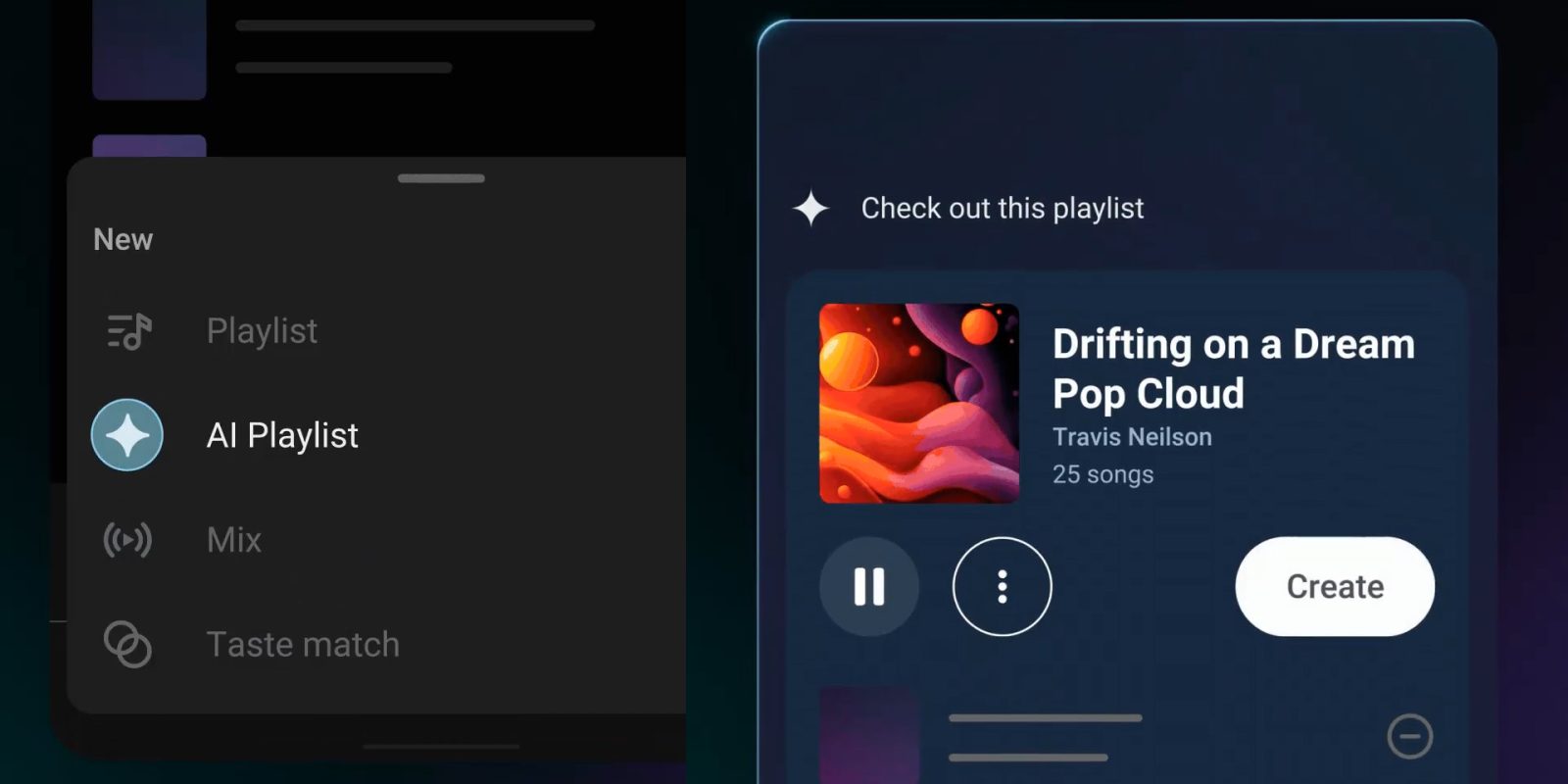
Google has announced that YouTube Music is adding a new “AI Playlist” feature that lets users generate new playlists through text prompts, but it’s only for Premium subscribers.
Rolling out now, “AI Playlist” in YouTube Music is a rather simple idea. Users can write in a prompt to turn “an idea, mood or genre” into a curated playlist. It’s a rather open-ended feature, and one that also sounds exactly like Spotify’s recent “Prompted Playlist” feature.
Google explains how to use the feature in a post:
- On Android & iOS, tap the “New” button in the Library tab of YouTube Music
- Select “AI Playlist”
- Use your voice or text to explain the type of music you’d like in your playlist
“AI Playlist” in YouTube Music is also mentioned on a support page, but without any further details about how many songs the feature aims to put into a playlist, whether or not it can be edited after creation, and more details we simply don’t know right now. Spotify’s version of this allows users to have the playlist refreshed on a regular basis, and also allows the prompt to be edited after initial generation too.
YouTube Music previously added “AI Radio” generation, which works rather similarly.
Let us know in the comments below if you’re seeing “AI Playlist” already.
More on YouTube Music:
- YouTube Music lyrics now require a Premium subscription
- YouTube Music now syncs your queue across Android, iOS, & web
- YouTube Music lyrics sharing adding AI-generated backgrounds
Follow Ben: Twitter/X, Threads, Bluesky, and Instagram


FTC: We use income earning auto affiliate links. More.


Comments