

Google Photos is bringing its new “Create with AI” templates over to iPhone and iPad, a few months after they arrived on Android.
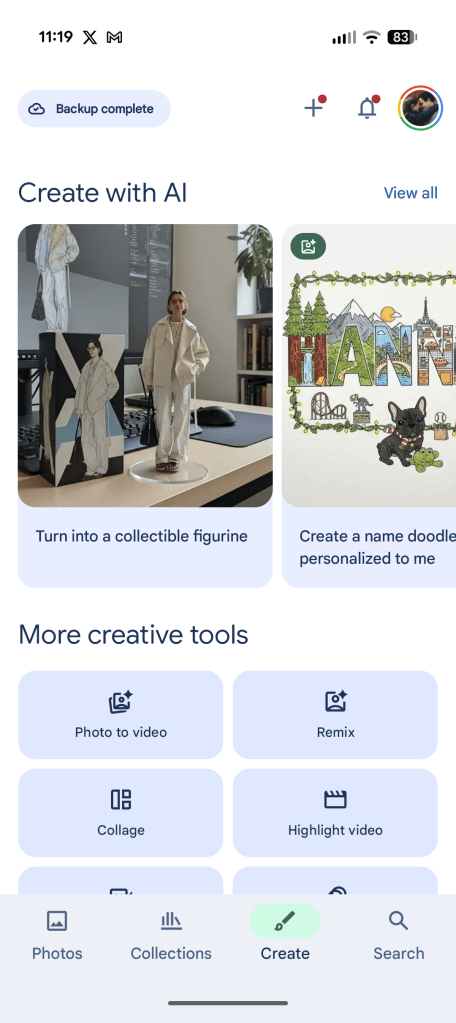
Announced last week in a community post, “Create with AI” features in Google Photos are now rolling out to iPhone. This opens up a collection of templates that can edit photos based on a selection of templates, including both personalized and non-personalized formats. A lot of these templates are widely available, but some are limited to specific users.
Google explains:
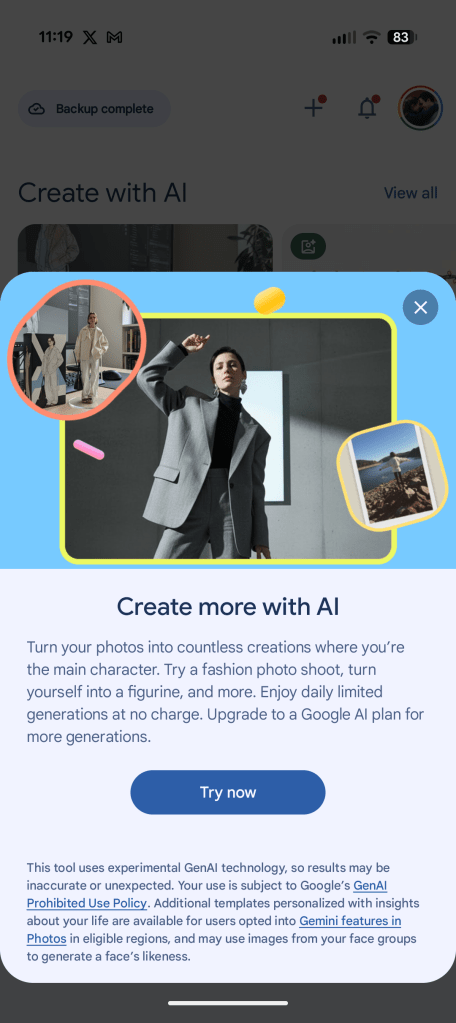
With Create with AI, you can choose from a variety of ready-made templates to turn your photos into something extraordinary. The best part is we plan to keep this creative process fresh by updating the templates, ensuring you always have new styles and ideas to explore. While many templates are available to all eligible users, access to certain specialized templates is limited and you must meet the eligibility requirements for Gemini features in Photos.
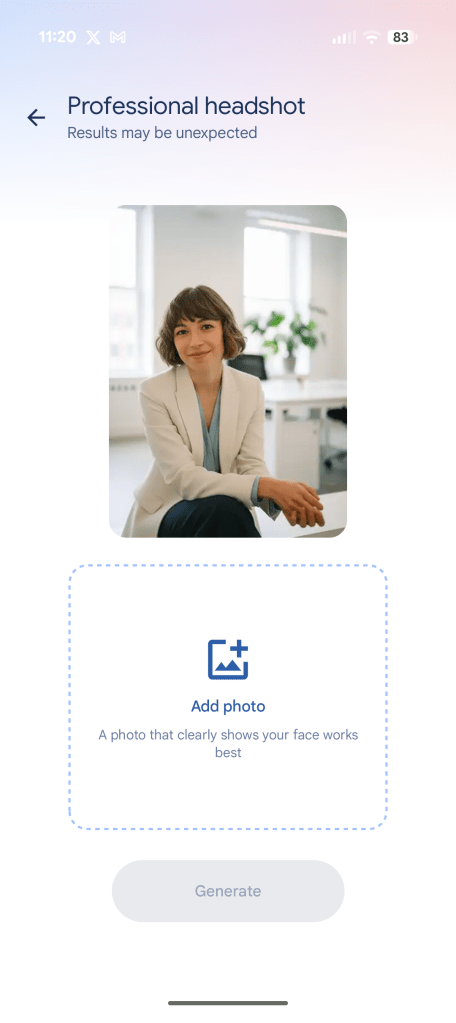
The idea here is for Google Photos to provide an easy way for you to take a person or object from an existing photo and use that in AI-generated images, with examples including “a professional headshot,” “turn into a collectible figurine,” “create a cartoon of you & your hobbies,” and more.
Beyond the United States, Google says this feature is rolling out to Argentina, Bangladesh, Brazil, Colombia, Egypt, India, Indonesia, Japan, Mexico, Pakistan, the Philippines, and Türkiye (Turkey).
The feature is already live on Android as pictured below, and should be showing up on iPhone and iPad with the latest app updates.

More on Google Photos:
- Gmail for iPhone getting ‘new Google Photos picker’
- Google Photos upgrading ‘Photo to video’ with custom prompts, audio
- Google Photos rolling out AI-powered ‘Me Meme’ generator
Follow Ben: Twitter/X, Threads, Bluesky, and Instagram


FTC: We use income earning auto affiliate links. More.


Comments