

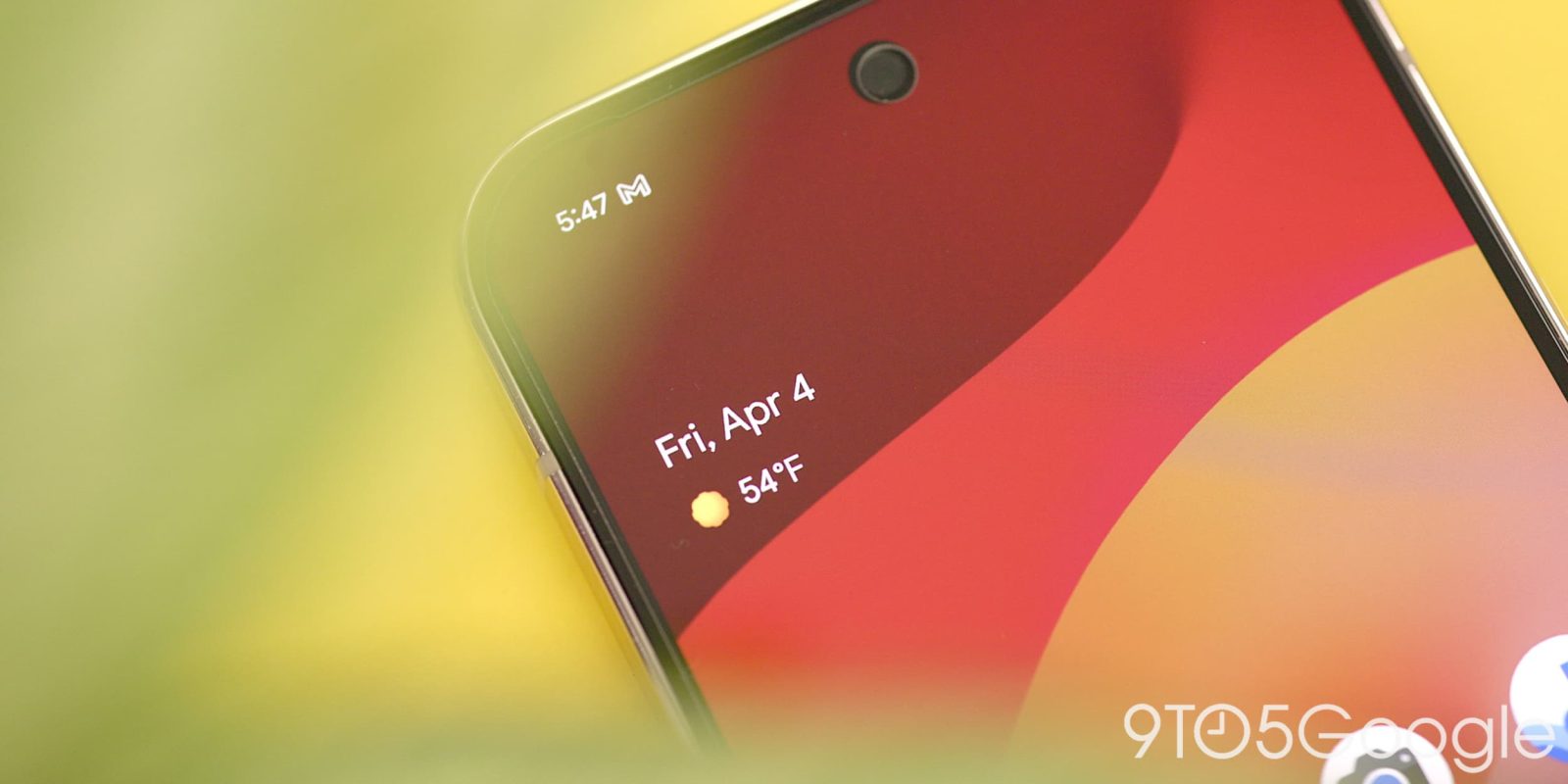
Google appears to be adding a new “high-contrast” setting for the Pixel’s At a Glance widget, a long-standing request of many.
The At a Glance widget on Pixel phones has been a staple of the homescreen for years now, with the handy widget showing information such as the weather, your upcoming calendar events, reminders, and more. But the transparent widget can be a little tough to read on some lighter wallpapers.
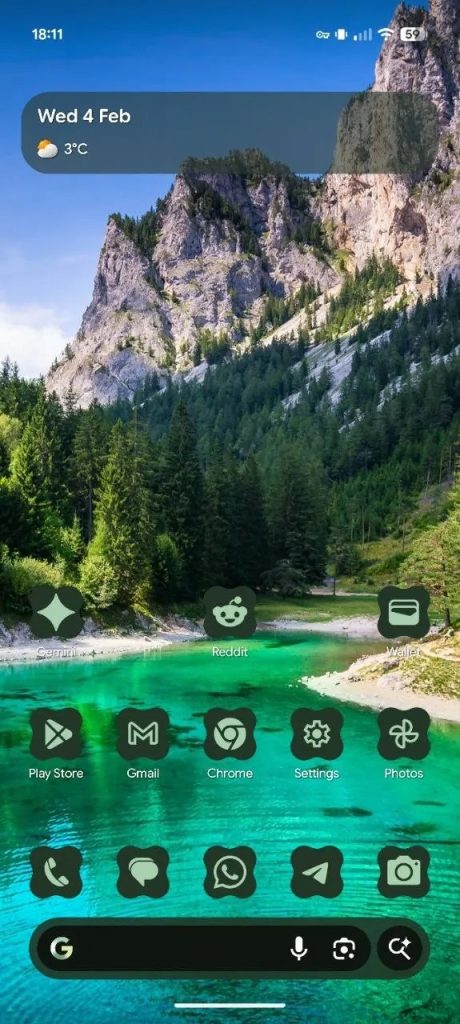
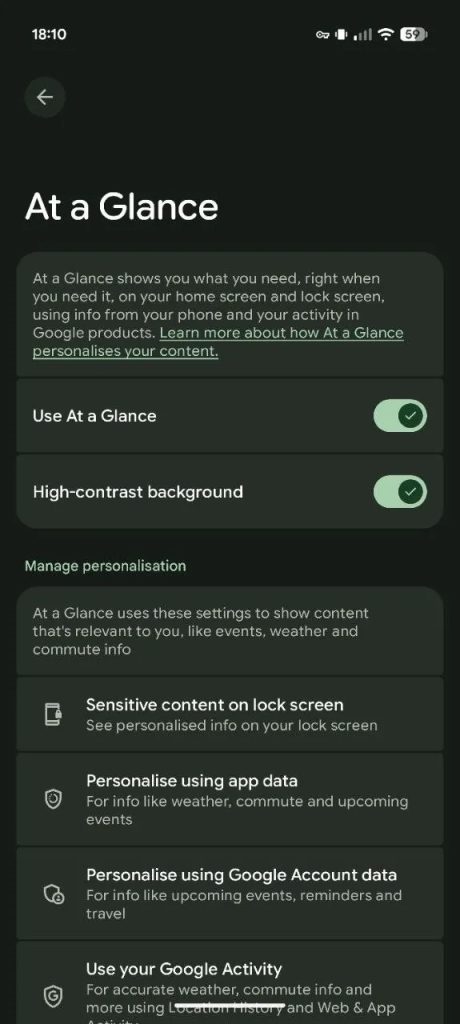
Addressing that long-standing shortcoming, Google appears to be adding a new “high-contrast” option to At a Glance on Pixel. The new setting is a simple toggle and, when enabled, adds a translucent dark background behind the widget. It spans the full width of the homescreen and has rounded corners, in line with most modern Android widgets designed by Google. There’s no customization, sadly.
The folks at Android Authority note that the change is showing mostly to users on Android 16 QPR3 right now, a beta release, but this appears to be an app or server-side change rather than something specifically tied to the beta. Still, we’re not seeing the option on our Pixel devices, even one on the beta program. One user on Reddit showed the option live on their Pixel in Germany.
Are you seeing this option on your device? Let us know in the comments below.
More on Google Pixel:
- Google Pixel 9a was a holiday hit as Apple dominated the US smartphone market in late 2025
- Honor, Nothing, and Google Pixel were some of 2025’s fastest-growing phone brands
- Google Pixel expected to see ‘strongest growth’ in 2026, report says
Follow Ben: Twitter/X, Threads, Bluesky, and Instagram


FTC: We use income earning auto affiliate links. More.


Comments