

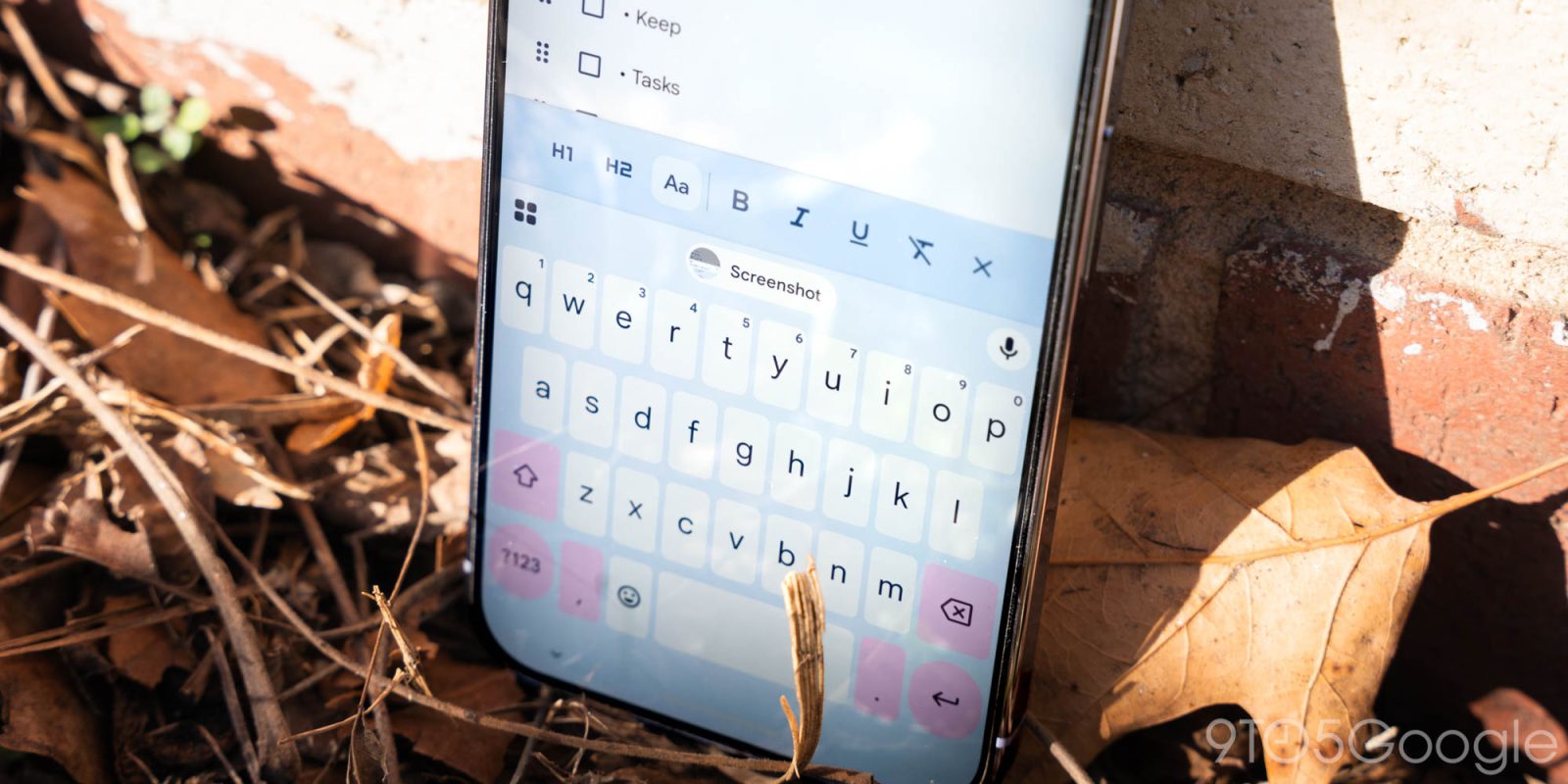
As we wait for the broader redesign, Gboard for Android is getting a nice quality-of-life improvement with the “auto-switch after apostrophes” shortcut.
Gboard can now “Automatically switch back to the letter keyboard after an apostrophe.” Previously, you had to press the space bar or use the ‘?123’ key in the bottom-left corner.
This lets you immediately complete a possessive noun or contraction. You’ll see a prompt when this is rolled out to your device. You have the option to disable from Settings > Preferences > Shortcuts.
We’re currently seeing “Auto-switch after apostrophes” in the beta channel (version 16.6). It’s not yet widely rolled out for testers.


Speaking of Settings, Gboard has rolled out the Material 3 Expressive redesign as of version 16.5 in the stable channel. It’s a straightforward modernization that makes use of containers to group together relevant menus on the main list. Individual pages have also been updated.
Google is also testing a redesign of the shortcuts page, as well as rounded keys.


More on Gboard:
- Gboard shortcuts getting M3 Expressive redesign at the expense of density
- Gboard rolls out ‘Flick keys to enter symbols’ shortcut on Android
- Gboard now lets you hide the period and comma keys


FTC: We use income earning auto affiliate links. More.


Comments