

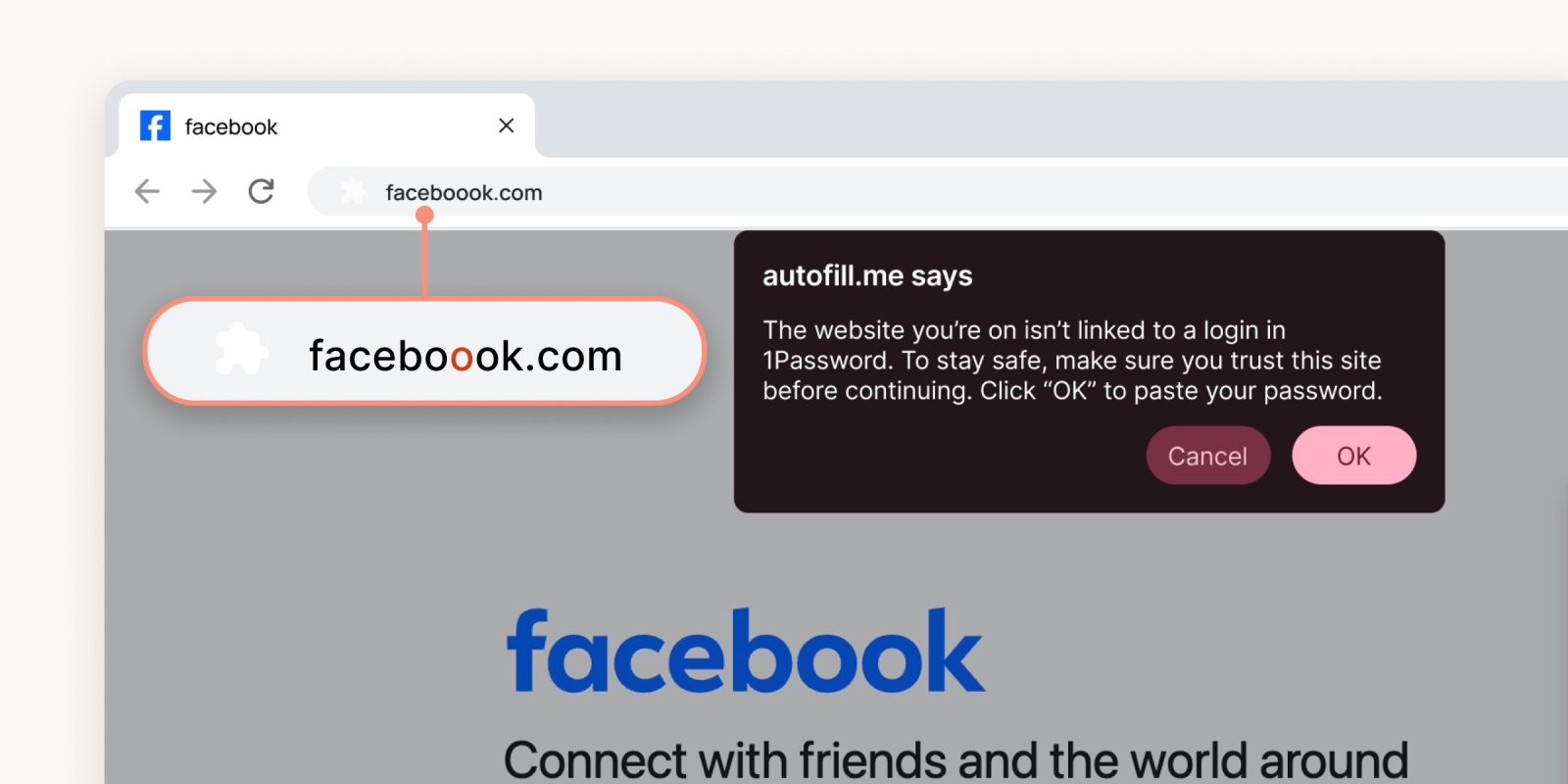
1Password is launching new phishing protection tools in its browser extension to help users avoid scams that, as the company puts it, are being “supercharged” by AI.
Rolling out starting today, 1Password will include pop-up messages to help you avoid falling into phishing scams. The start of this is to recognize when a URL doesn’t match a saved login in a 1Password vault, with a pop-up now appearing before a user pastes their credentials into a website.
It’s basically a tap on the shoulder saying “are you sure?” to get the user to double-check their action.
1Password explains:
Here’s how it currently works: when a 1Password user clicks a link where the URL doesn’t match their saved login, 1Password won’t autofill their credentials. That’s an important first step. However, in those situations, users may not understand why their credentials aren’t being autofilled and try to manually copy and paste them to the fake website.
Our new phishing feature adds an extra layer of protection. When a user attempts to paste their credentials, the 1Password browser extension displays a pop-up warning, prompting them to pause and exercise caution before proceeding.
This is enabled by default on 1Password individual and family plans, and also available as an option for business users.
The process is shown in the below video.
Follow Ben: Twitter/X, Threads, Bluesky, and Instagram


FTC: We use income earning auto affiliate links. More.


Comments