

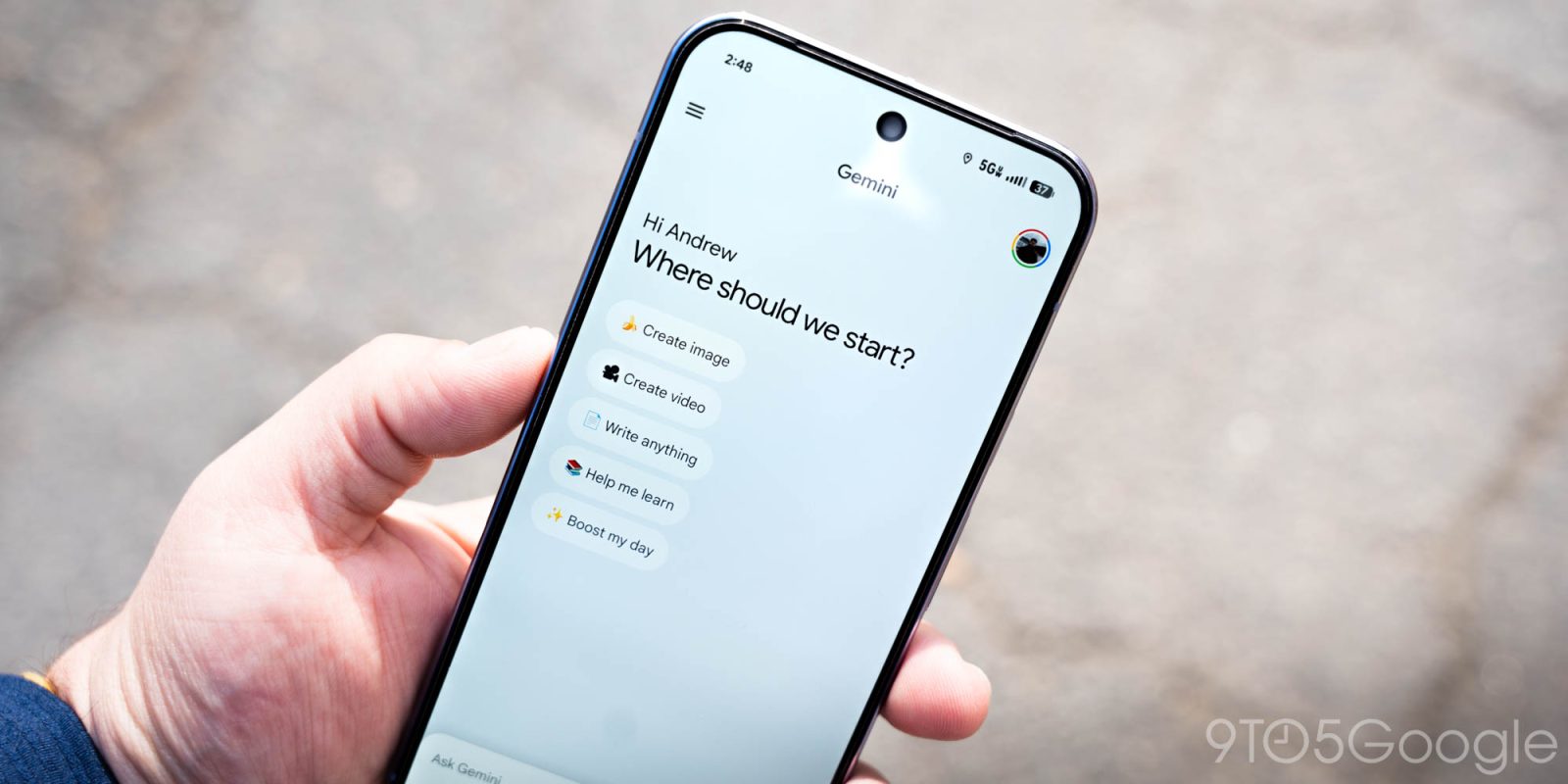
After coming to the web in December, NotebookLM integration is now available in the Gemini app on Android with a redesigned plus list.
The previous sheet placed the Camera, Gallery, Files, and Drive buttons side-by-side in pill-shaped containers. To add “NotebookLM,” this interface becomes a standard list, just like the Tools menu and model picker. This matches the layout that the Gemini overlay on Android has used from the beginning.
Old vs. new


Tapping takes you to the fullscreen “Add notebook” page, with the collection then added to the prompt box.
We’re seeing this with version 17.2 of the Google app on Android. This is not yet widely rolled out today. However, the NotebookLM shortcut in the account menu is now fully available.
Meanwhile, the Google app updated the AI Mode homepage on Android and iOS to match the web update last month. “Meet AI Mode” is replaced by the “Hi [name], what’s on your mind?” greeting.


More on Gemini app:
- Gemini Live preps big upgrades with ‘Thinking Mode’ and ‘Experimental Features’
- Gemini app rolls out ‘Answer now’ to skip ‘in-depth thinking’
- Google separates, raises Gemini 3 ‘Thinking’ and ‘Pro’ usage limits


FTC: We use income earning auto affiliate links. More.


Comments