

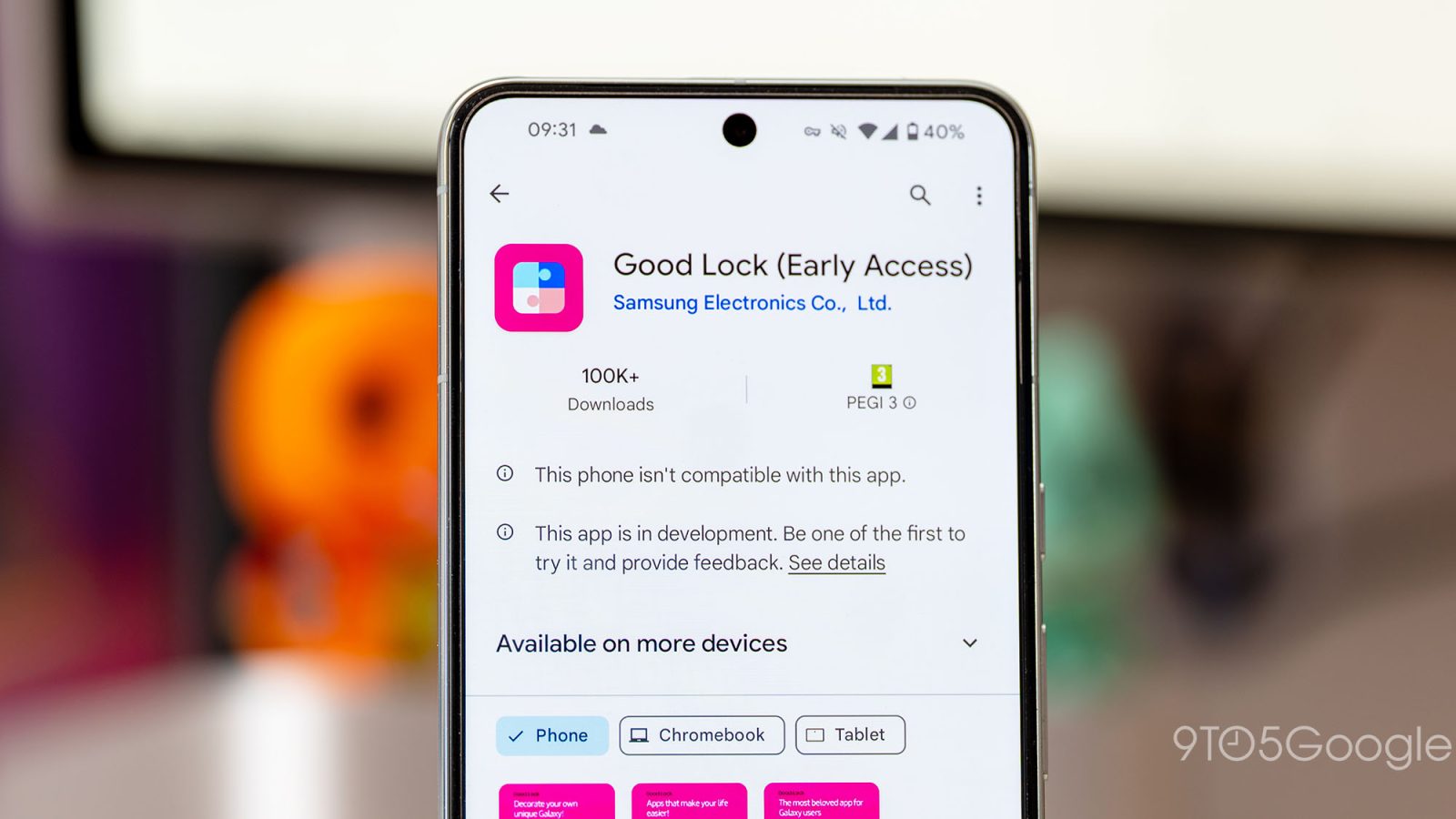
Good Lock modules make or break Samsung Galaxy phones for some users. A recent Home Up update for One UI 8.5 beta is adding a few additional homescreen tools for Good Lock users.
Home Up is one of many Good Lock modules Galaxy phone users can download to go beyond what the traditional settings menu allows for. In particular, Home Up allows for extra homescreen customization.
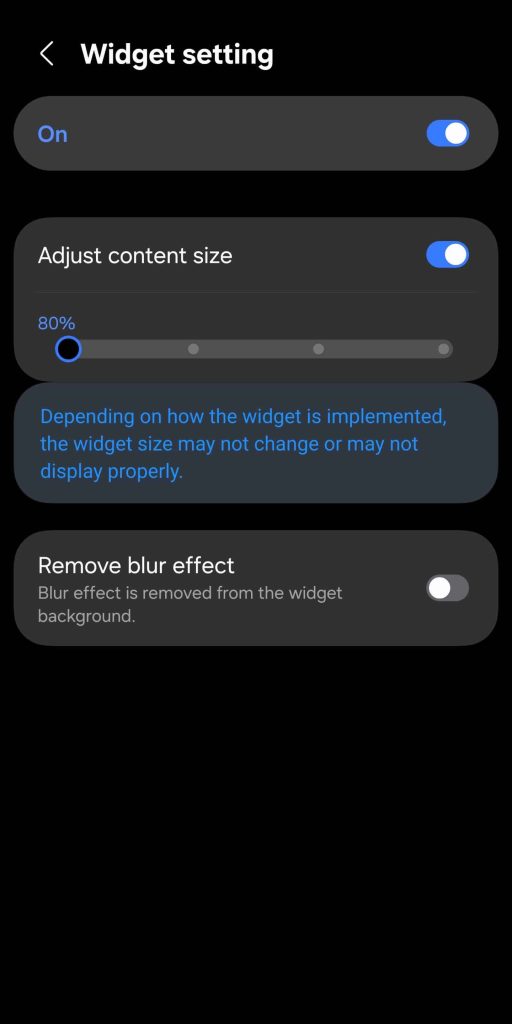
It looks like a One UI 8.5 update for Home Up is adding a few new features (via SammyGuru). Namely, the new version is adding controls that let users adjust the size of content within widgets. The scale starts at 80% and moves from there. The same page will also let users remove the blur effect from widget backgrounds.
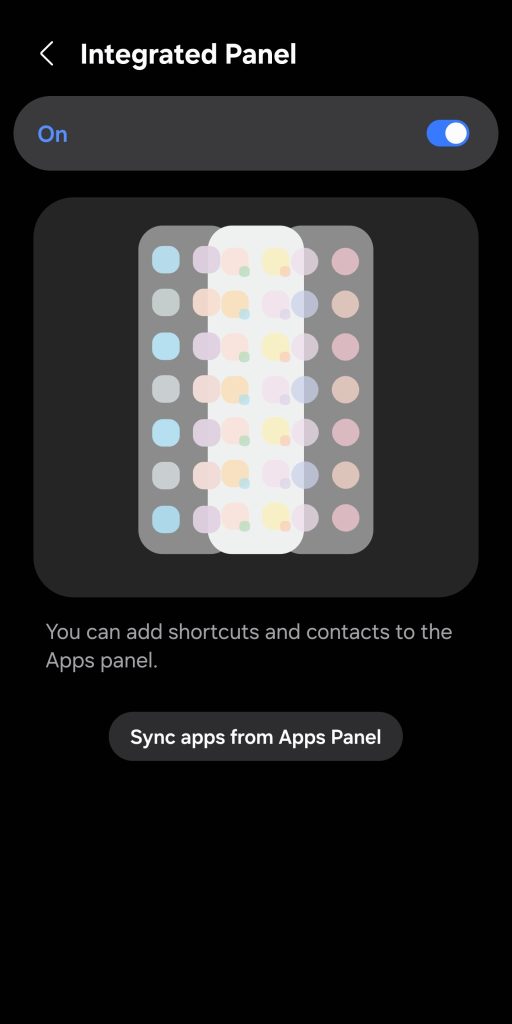
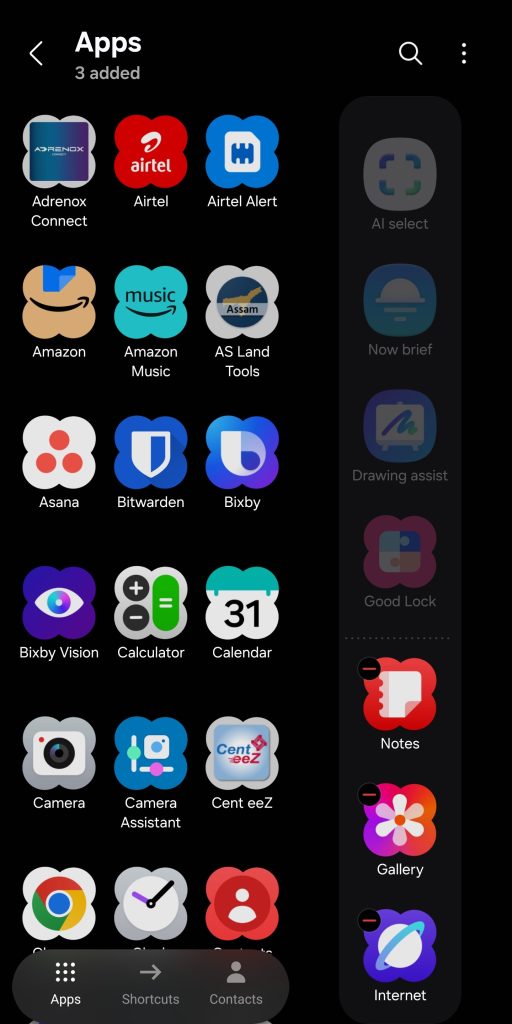
The update to Home Up on Galaxy phones is adding another option for Edge Panels, too. Apps, tasks, and people can be combined into one panel. The unified approach will likely allow for easier access to high-value shortcuts. This is instead of separate panels, where swiping between each would be required. The report also notes that Galaxy Z Fold 7 users will be able to customize the number of favorites on the cover screen.
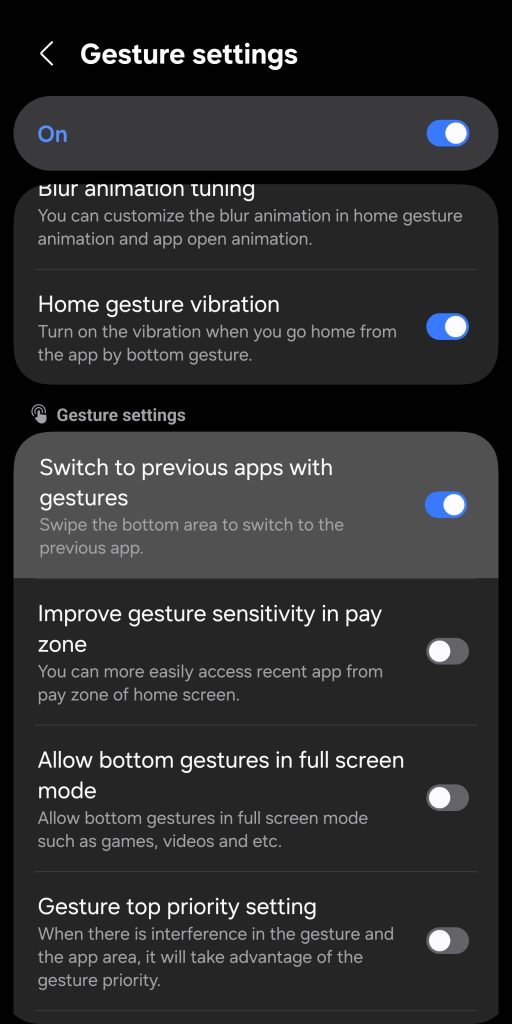
Gesture navigation is another part of the Home Up update, in one particular way. The gesture that lets Galaxy users swipe to a recent app with one stroke across the bottom of the screen can now be disabled. This is likely to prevent accidental swipes, which happen more often than we’d like to admit.
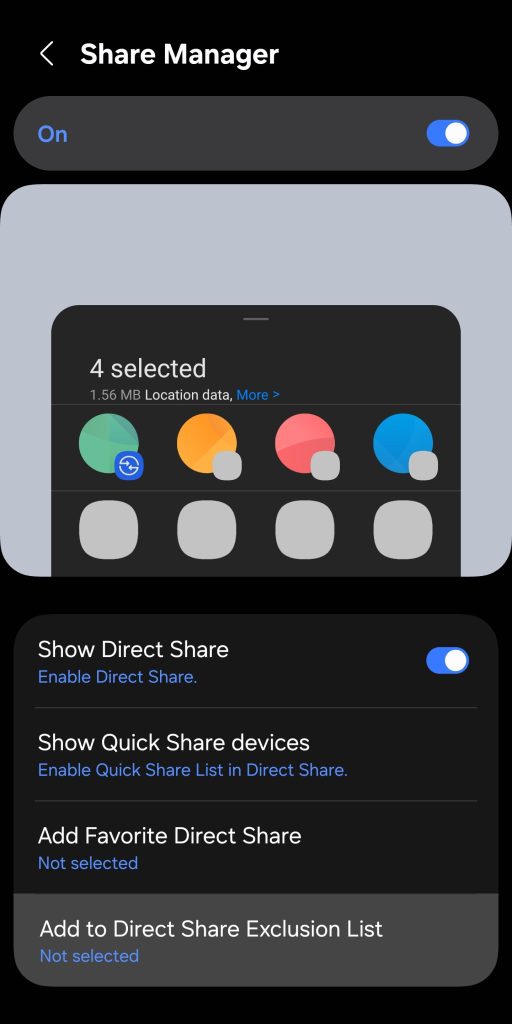
Another big addition is the option to remove certain apps from the Direct Share menu that appears when hitting the share button. It should cater to those who want to clean up the share menu and cull apps that never get used.
The Galaxy Home Up update reportedly addresses a bug that would leave users with misaligned home screens.
The update will be available to One UI 8.5 beta users through the Galaxy Store. Users who are still on One UI 8 are warned not to install this build due to some reset issues.


FTC: We use income earning auto affiliate links. More.





Comments