

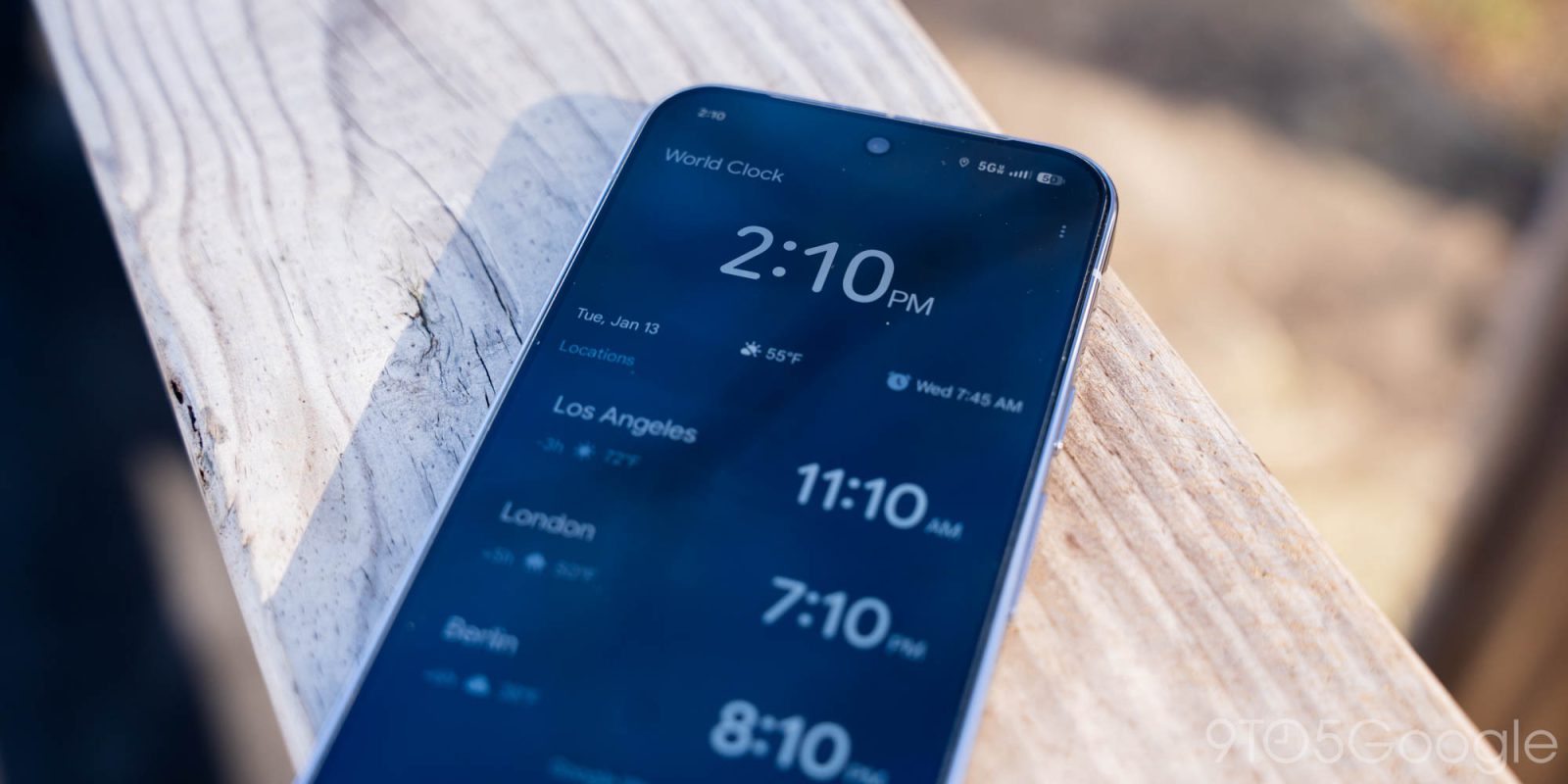
Version 8.5 of Google Clock for Android was released last week and it’s rolling out the ability to dismiss alarms by swiping.
Update 1/22: This alarm swipe option is now widely rolling out for all Android devices. Force stop Google Clock from the App info menu and launch the app for the “Customize” prompt. You can also open Settings directly.
Original 1/19: Once available, Google will prompt about how “you can swipe or tap to dismiss your alarm.” There’s a new “Dismiss alarm with a” preference in Settings.


Tap — which has large pill-shaped buttons that are themed with Dynamic Color — is now joined by Swipe. “Snooze” is on the left and “Stop” is at the right, with guide animations inside the container.
This gesture can add a bit more friction, especially when waking up. It follows the Phone app’s Material 3 Expressive update introducing a similar “Incoming call gesture” last year.
This is rolling out with a server-side update after installing version 8.5 of Google Clock, which went wide last week. We’re only seeing it on one of our Pixel devices today.


The only other change with this release is a Material 3 Expressive slider that finally replaces the Material 2 version of the component. The pill-shaped track is thicker, while the handle is more substantial than the old circle. When dragging, you’ll see a value between 1.00 and 7.00.
Old vs. new


More on Google Clock:
- Pixel Watch rolling out always-on Media Controls, Timer, & Stopwatch
- Clock 8.3 rolls out toned down alarm background
- Google Clock for Wear OS is now exclusive to the Pixel Watch


FTC: We use income earning auto affiliate links. More.


Comments