

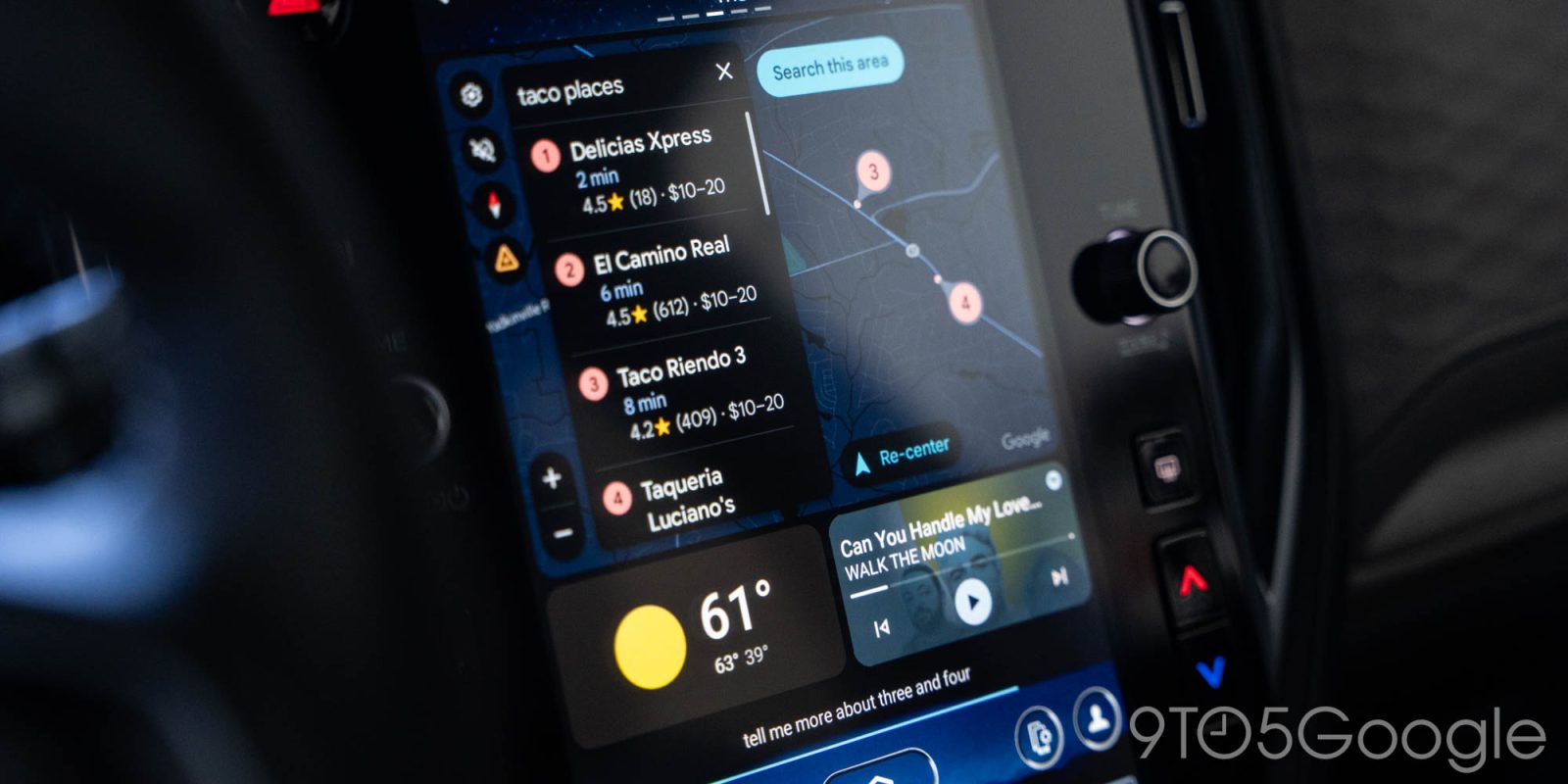
Google has started the rollout of Android Auto 16.0 this week, but there’s a more pressing issue for some users as a bug is breaking support for message replies.
Android Auto app updates are generally not a big deal, which is why it’s always a little funny when a full number change doesn’t do anything. That’s exactly what we’re seeing with Android Auto 16.0, which lacks any noteworthy changes both facing the user and under the hood.
Features we know are coming such as light mode are still not here, and there are no notable design changes either. Behind the scenes, our teardown of the app revealed nothing interesting or new.
The current widely available Android Auto app version is 15.9, which started rolling out to all users in late December via the Play Store. Android Auto 16.0 is likely to see a stable rollout in the coming weeks but, as mentioned, there’s no reason to be excited about it.
That said, these updates are always welcome for the sake of hopefully fixing bugs that plague some users. The latest of those bugs in Android Auto is one that breaks message replies for some users. Since late December, a number of Android Auto users have noticed that tapping the “Reply” button on a message notification brings back an error message saying that “to do that you’ll have to ask your Google Workspace administrator for permission.” The issue seems to only affect those using a Google Workspace (G Suite) account – not one that ends in “@gmail.com” – as their primary account.
The cause of this issue is unclear, but appears to be a server-side problem rather than an app-level issue. Reports of the problem, as mentioned, started in December but have continued to gather in the past several days. Google has acknowledged the problem, but there’s no word on a fix just yet.
More on Android Auto:
- This clever car charger delivers fast charging while using wired Android Auto & CarPlay [Gallery]
- Gemini on Android Auto is an update drivers seem to love or hate – what do you think? [Poll]
- Android Auto update hints at Cast support, Material music player redesign
Follow Ben: Twitter/X, Threads, Bluesky, and Instagram


FTC: We use income earning auto affiliate links. More.


Comments