

At CES 2026, Google previewed upcoming Gemini for Google TV features that take better advantage of the large screen form factor.
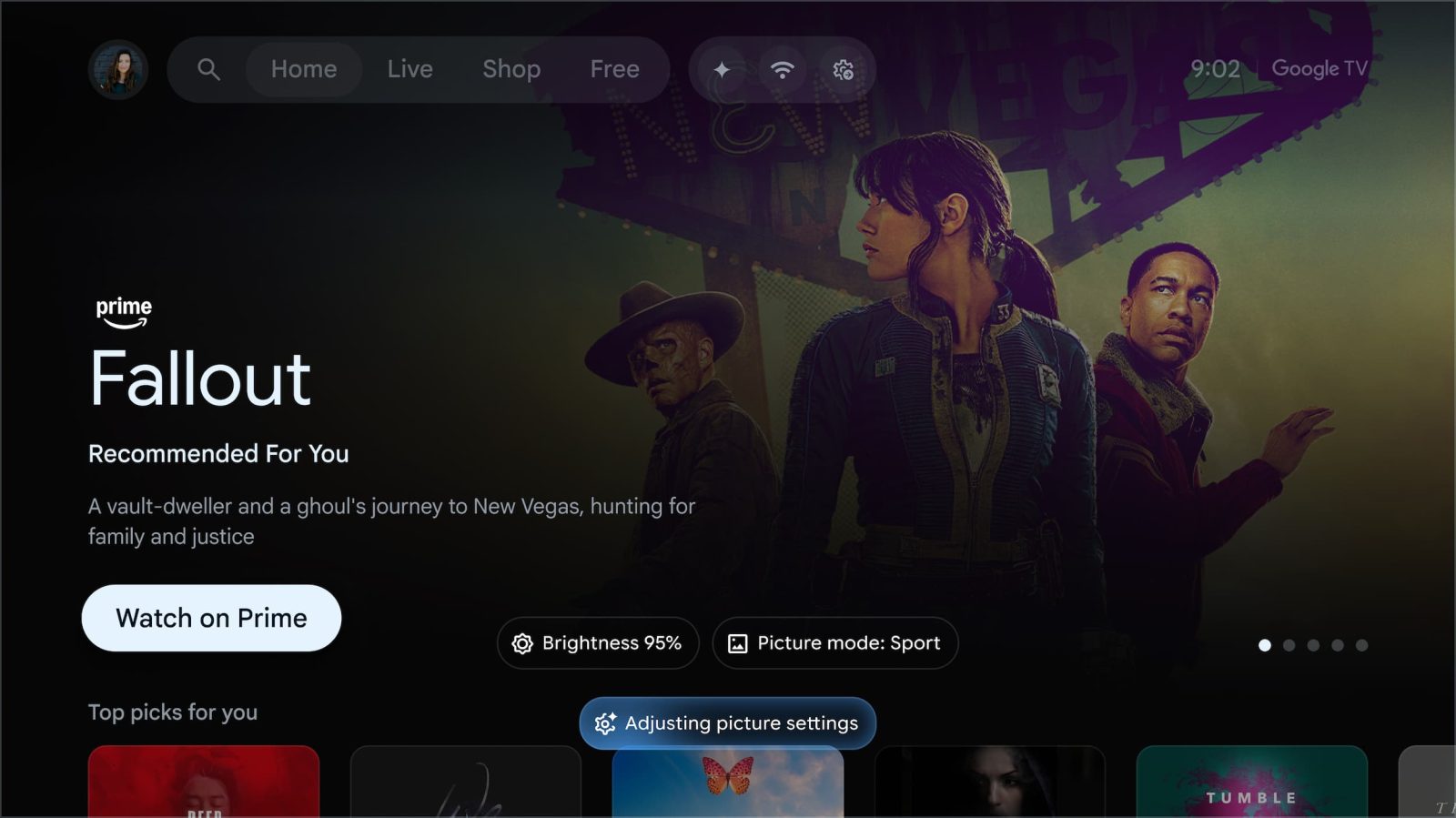
Google will let you change a television’s picture and sound settings “without leaving your movie or show.” For example, you can tell Gemini that “the screen is too dim” or “the dialogue is lost” to make adjustments.
In the example below, we see how “My screen is too dim. Make it brighter” results in a “Brightness” pill at the bottom as the adjustment is made.
Gemini will let you conversationally search your Google Photos library for specific moments and people. You’ll see a carousel with the fullscreen viewer offering buttons for “Remix” and “Edit” with Nano Banana. The former features styles like Watercolor, Pen, and Art deco, with “Save to Google Photos” available after generating. You can also “transform memories into cinematic immersive slideshows.”
Meanwhile, Google TV is gaining a large screen experience that lets you use Nano Banana for image and Veo for video generations. You can describe a prompt or upload a photo using your phone (by scanning a QR code) to edit.
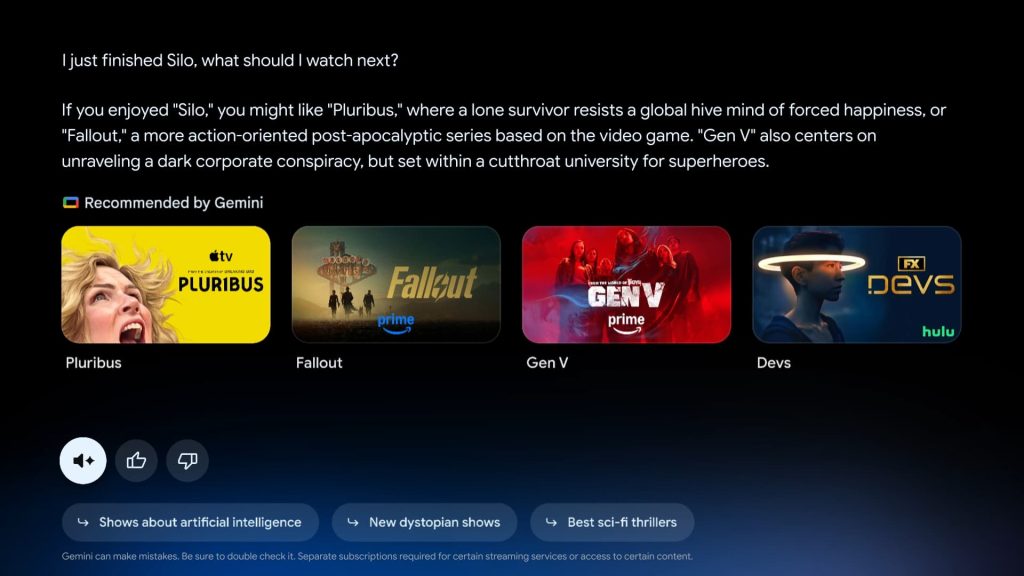
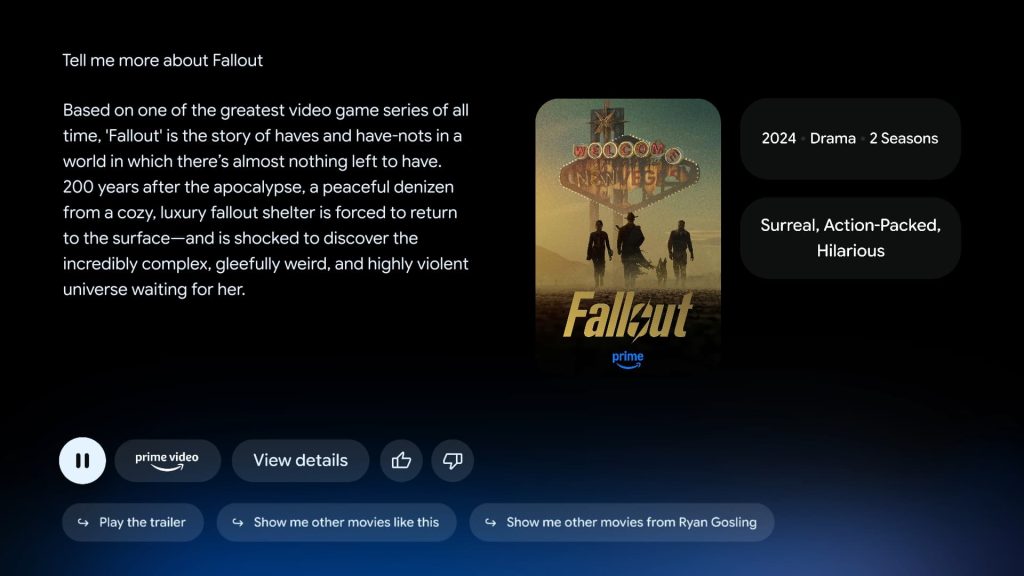
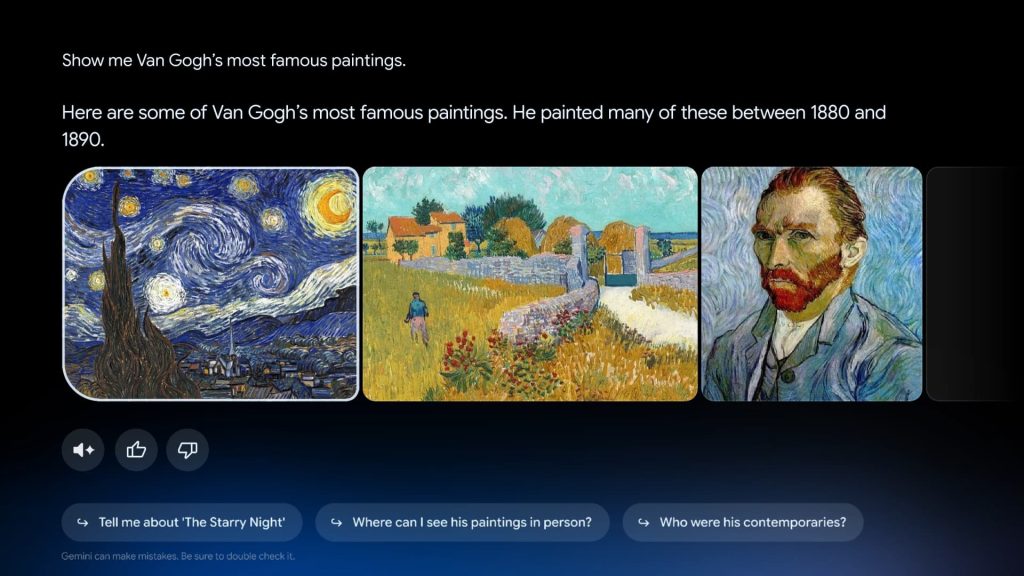
The final announcement today is focused on search with a “new visually rich framework that adapts Gemini’s responses to your queries.” Taking over the screen, responses can now include “high-resolution imagery, video context, and real-time sports updates” alongside large text.
A “Dive deeper” button when asking about complex topics provides “narrated, interactive overviews simplified for the whole family.”

These new Gemini features are coming first to select TCL devices, and other Google TV devices will follow in the coming months.


FTC: We use income earning auto affiliate links. More.


Comments