

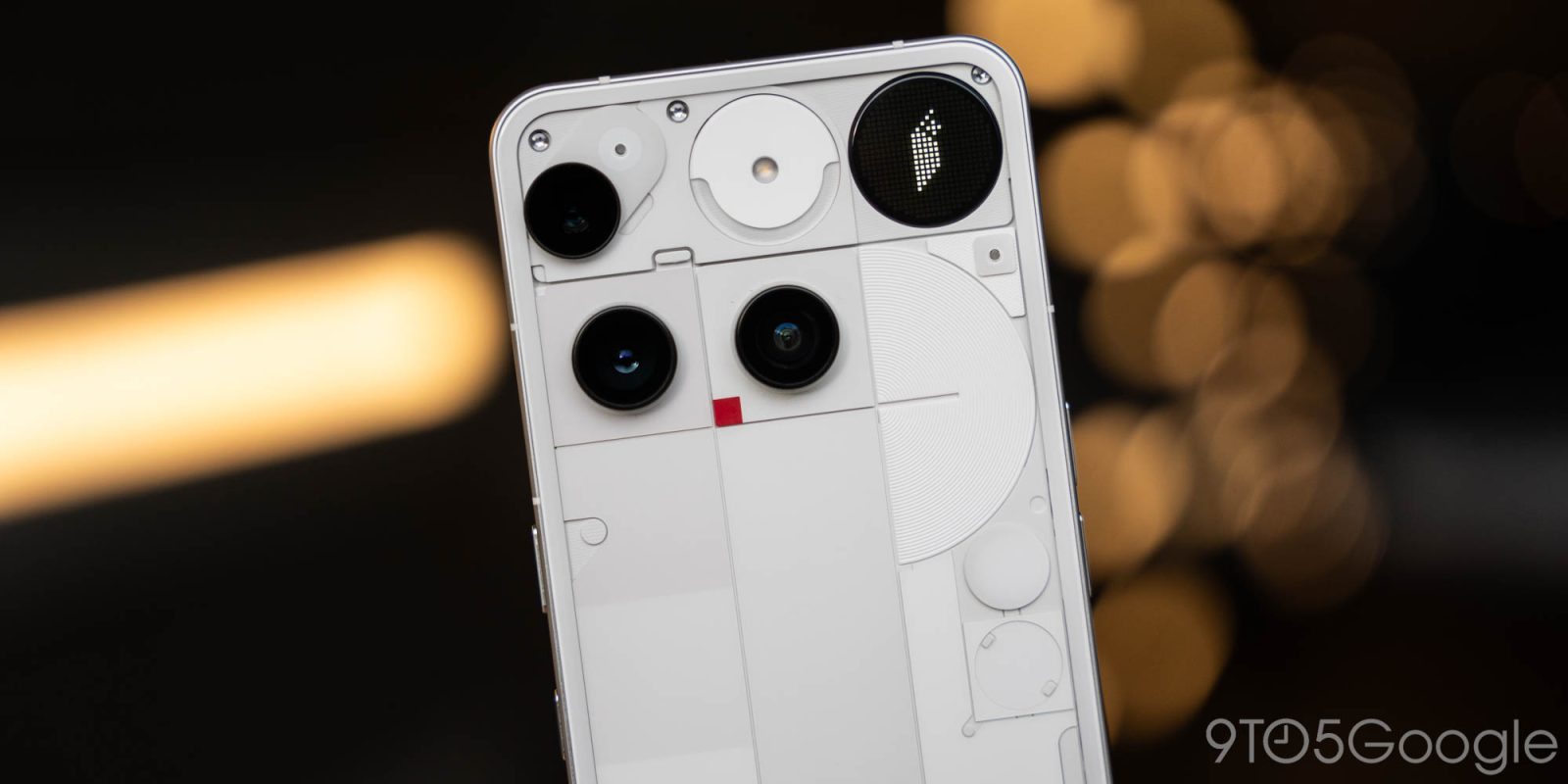
As a part of the December 2025 update, Nothing Phone (3) is picking up a bunch of fixes, including a couple of improvements to its rear-display “Glyph Toys.”
The latest Nothing Phone (3) update is by no means a major one, but it packs some welcome improvements. There’s now an option to show the battery percentage icon with a number inside, the “Extra Dark” mode has been improved, and haptic feedback has also picked up some upgrades.
There’s a definite focus on some Glyph improvements here, though.
Firstly, Glyph Toys on Phone (3) will now properly stay “always-on,” making some of the mini-apps a lot more useful. Pocket detection for Glyph has also been improved, hopefully meaning the display will more reliably stay off while in your pocket. Finally, the Glyph Mirror has also picked up some fixes to make it more reliable.
The full changelog follows, and the update is now rolling out globally:
Visual Enhancements
- Updated the battery percentage icon with the number displayed inside.
- Optimised Extra dark mode for better visual adaptation to more scenarios.
- Improved the smoothness of the volume slider animation when adjusting volume via keys.
- Optimised sound wave and wheel animations in Recorder for a more fluid experience.
General Improvements and Bug Fixes
- Setting different ringtones for dual SIMs is now supported.
- Always-on Glyph Toy now will always stay on until manually turned off.
- Fixed an issue where the in-car display could freeze when using Android Auto.
- Improved pocket mode detection logic for Glyph Interface.
- Optimised the vibration and haptic feedback across more scenarios.
- Enhanced stability of lock screen and AOD for a better experience.
- Improved Glyph mirror stability across more camera scenarios.
- Fixed an issue where the video encoding setting reverted from H.265 to H.264 when switching between shooting modes.
- Fixed an issue where the Pedometer Progress widget continued animating on the lock screen while AOD was on.
- Improved the searching speed for nearby available Wi-Fi networks.
- Enhanced overall system stability and smoothness.
- Updated to December security patch.
More on Nothing:
- Nothing’s lockscreen ‘ads’ seem to wreck battery life if you try to fully remove the app
- Nothing Phone (4a) allegedly adds new color and a big price hike, leaker claims
- Review: Nothing’s CMF Headphone Pro makes you rethink bass for just $80
Follow Ben: Twitter/X, Threads, Bluesky, and Instagram


FTC: We use income earning auto affiliate links. More.


Comments