

NotebookLM is getting in a few more features before the holidays, including an upgrade to Gemini 3 and Data Tables.
Google on Friday shared that “NotebookLM is OFFICIALLY built on Gemini 3!” This results in “significant improvements to NotebookLM’s reasoning and multimodal understanding.”
The announcement does not specify the specific model, but NotebookLM has historically used the Flash variants. Like with past updates, there’s no in-app indicator that signals a new model is in use.
After the rollout on Wednesday, Google also made official how you can upload notebooks directly into the Gemini app. It’s available on the web today and coming to mobile next year. This can be used for:
- Combining multiple Notebooks
- Generating images or apps inspired from your Notebooks
- Building on top of existing Notebooks with online research

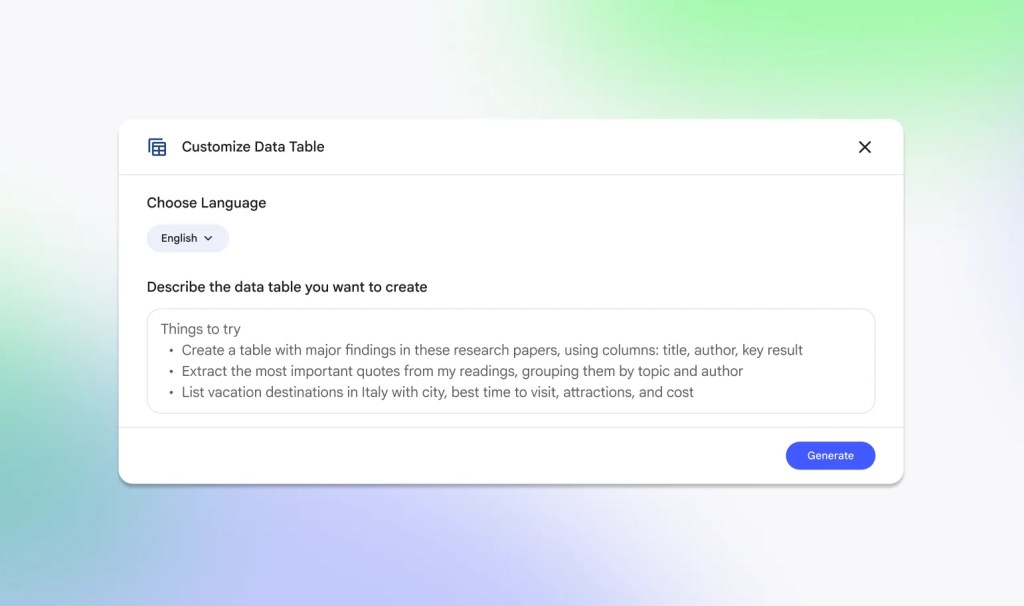
Meanwhile, NotebookLM has a new Studio output called “Data Table” that joins Audio Overview, Video Overview, Mind Map, Reports, Flashcards, Quiz, Infographic, and Slide Deck.
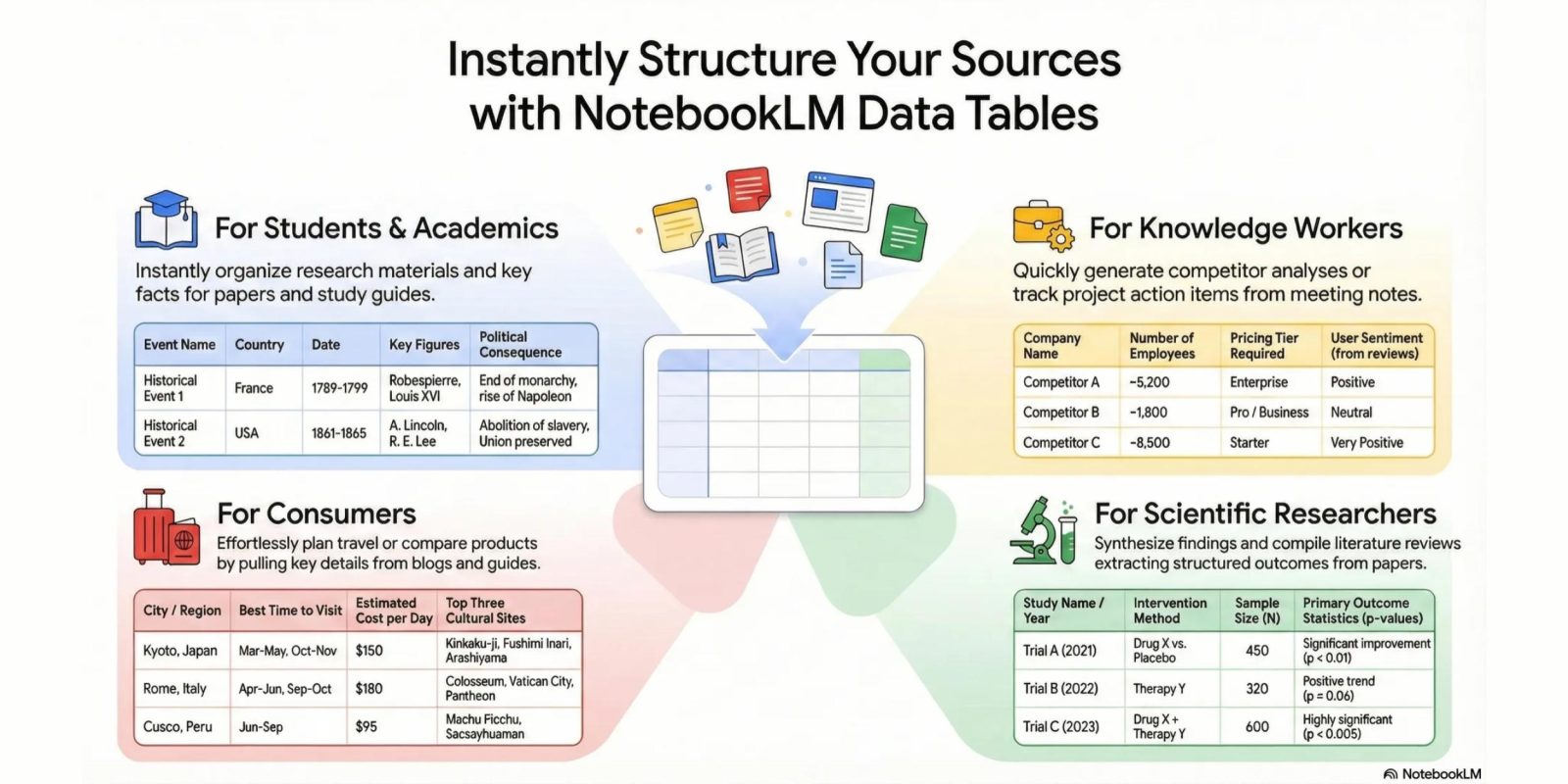
Google “synthesizes your sources into clean, structured tables” that can then be exported into Google Sheets. Example use cases include:
- Turn meeting transcripts into a clean table of action items, categorized by owner and priority. Or build a competitor comparison table analyzing pricing and strategies.
- Synthesize clinical trial outcomes across multiple papers to track study years, sample sizes and statistics.
- Prepare for exams with study tables of historical events, organized by date, key figures, and consequences.
- Plan your dream vacation by comparing destinations, best times to visit and estimated costs.
Data Tables are currently available for Google AI Pro and Ultra subscribers. It’s coming to free users in the coming weeks.

Finally, tapping the three-dot overflow menu next to your Study Guides, Briefing Docs, or saved Notes will let you export to Google Docs or Sheets (if tables are present).



FTC: We use income earning auto affiliate links. More.


Comments