

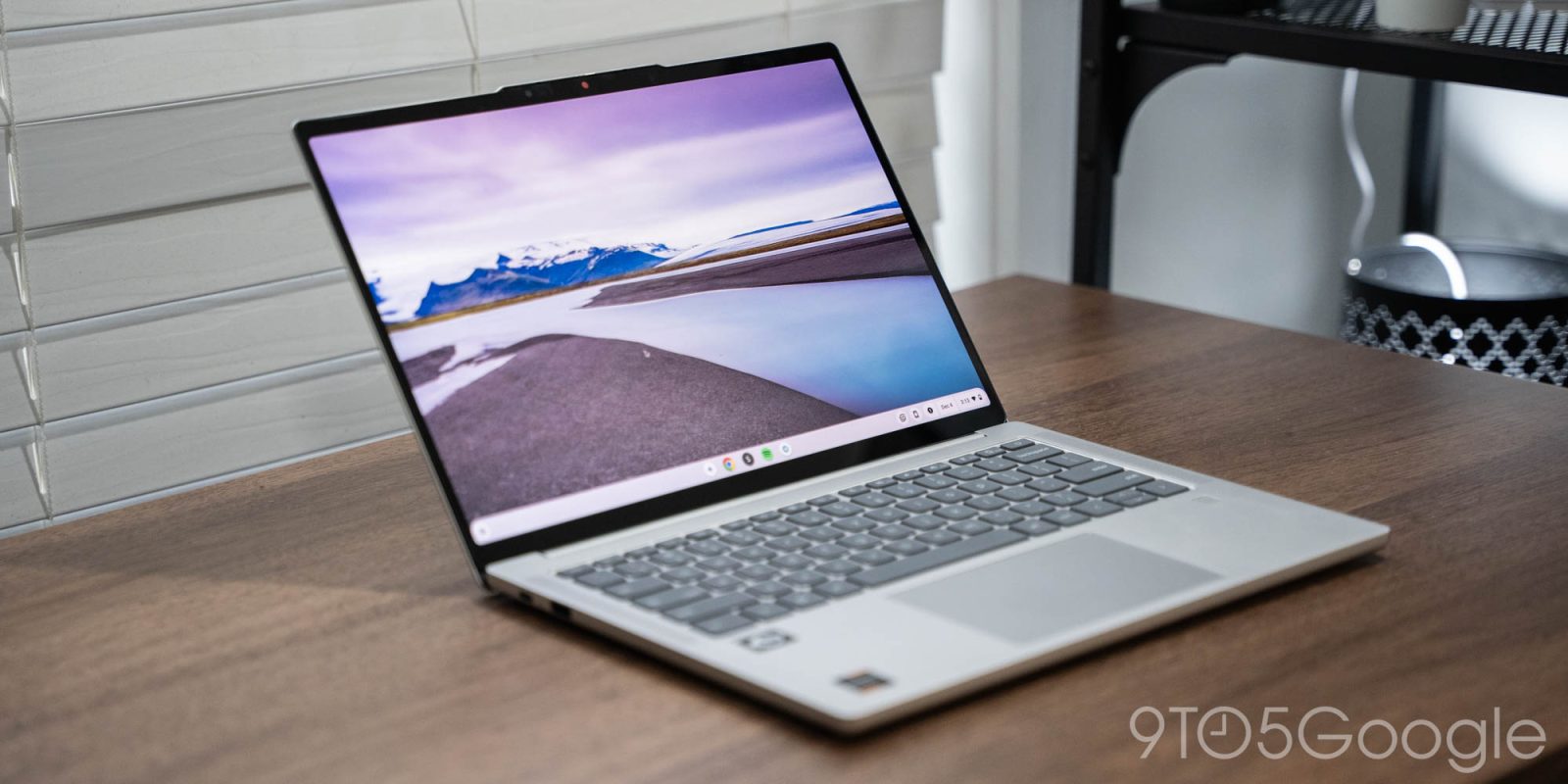
Chromebooks have been in a really weird place for the past few years, and its future is extremely uncertain. Front and center of it all is the current flagbearer for ChromeOS, the Lenovo Chromebook Plus 14. After using it for the past couple of months, it’s a fine laptop, but one that sits in limbo.
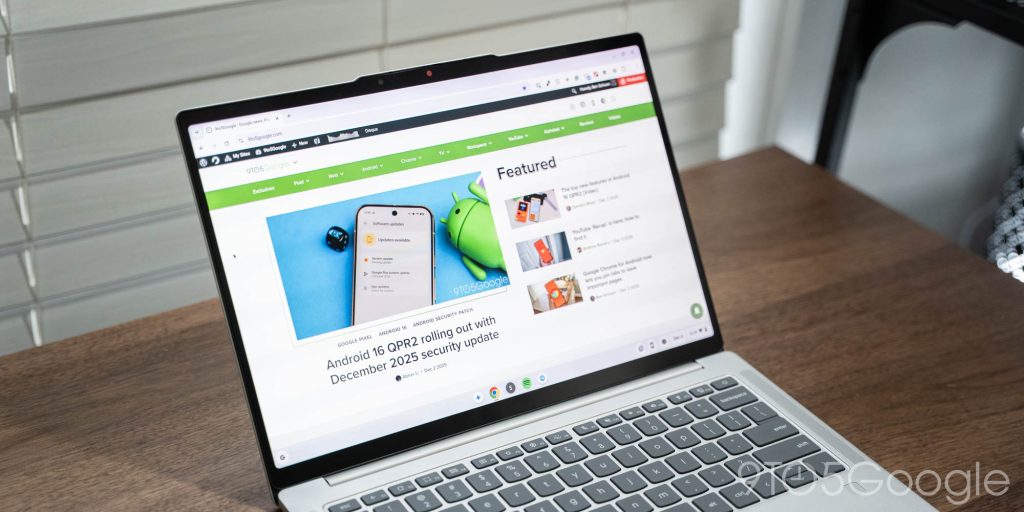
The Lenovo Chromebook Plus 14 is the “flagship” of the current era of Chromebooks, serving as the machine that ushers in the new MediaTek Kompanio Ultra chipset. Unveiled earlier this year, it has a reasonably compelling package to offer with at least 12GB of RAM (my review unit had 16GB) and 14-inch OLED display. It also features top-firing speakers, 17-hour battery life, and just enough ports — 2x USB-C, 1x USB-A, and a headphone jack.
Over the past few months since this machine launched, I’ve been using it off and on as an at-home machine, and it’s a reasonably solid little laptop.
As per usual with Lenovo, the keyboard is perhaps the biggest hardware highlight. The spacing, key travel, and flex all add up to be a delight to type on. The trackpad is big and the screen is bright enough even to be used in all but the sunniest of days. It being an OLED panel is great, but also feels unnecessarily over the top for a product category where every dollar matters. I’m always in favor of having a fingerprint sensor on a Chromebook, and this one works perfectly well. The speakers are also a legitimate surprise. They’re not the best I’ve tried, but they’ve got a surprising amount of range and depth to the audio, certainly better than most Chromebooks I’ve tried, even ones at a higher price point than this.
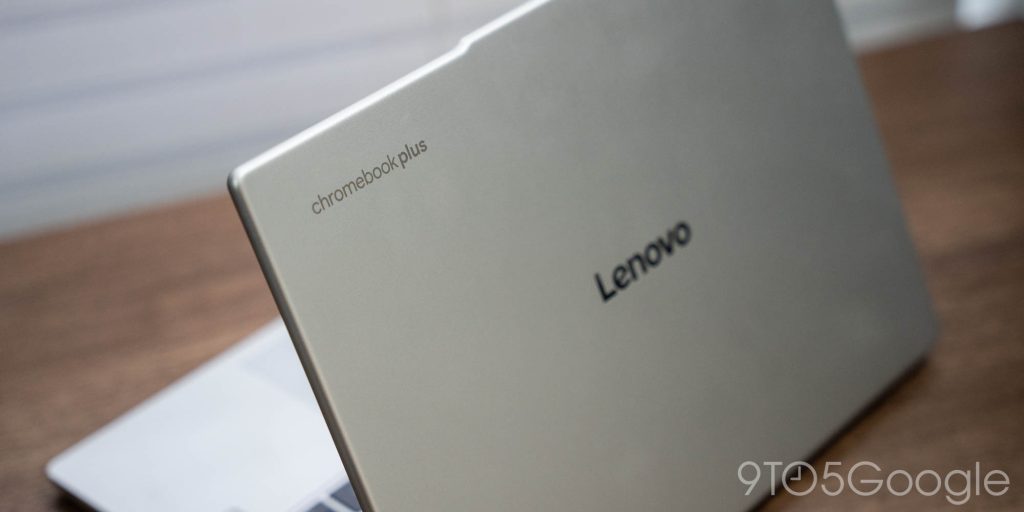

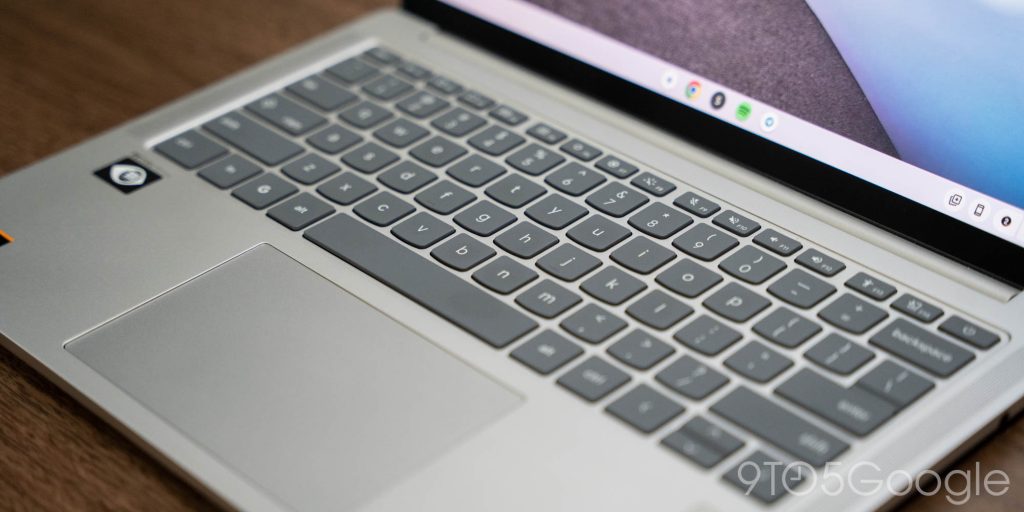
The hardware as a whole is, well, fine. The laptop is built from an aluminum chassis that weighs in at 2.58lbs, but you’d probably not guess that from the finish. It’s not particularly premium-feeling by any means. It’s fine. The closest comparison I can make is to Google’s Pixelbook Go. The wavy bottom of the Lenovo Chromebook Plus 14 is so reminiscent of that, and the package as a whole really makes for a good sequel to that laptop.
All of that hardware is really just here to showcase the current state of ChromeOS and that new MediaTek chip inside.
Speaking first to the chipset, I’m not super impressed. With the strides we’ve seen in ARM-based laptop chips over the past couple of years, I was hoping for more here. Kompanio Ultra is capable of basic work, but I don’t think I’ve had a single session using this laptop where I didn’t run into a tab freezing up or lag of some kind. Even relatively light workloads seem to occasionally lead to the laptop not being able to keep up. That really shouldn’t be the case for a machine with 16GB of RAM. I don’t want MediaTek to throw in the towel here, as I want Chromebooks to have their own Snapdragon X Elite moment like Windows did, but this certainly isn’t it.

Then again, I’m not sure it was supposed to be. Kompanio Ultra is designed for more affordable machines than Qualcomm’s chip, but I definitely feel there should be at least a little bit more horsepower on offer here. It seems like most of the focus was on delivering the 50 TOPS of AI processing performance, which makes sense given the current focus on ChromeOS.
As it stands today, ChromeOS is still very much a lightweight platform designed to let you get things done on the web, but Google has been working, especially with “Chromebook Plus,” to build on that with a focus on AI.
The latest round of Chromebook Plus improvements include a take on Android’s Circle to Search, the ability to create images with Google AI on the fly from the right-click menu, “Help me Read” for summarizing text from the web, some new image editing features, and specifically on the Lenovo Chromebook Plus 14 and other Chromebooks with this chipset, “smart grouping” for tabs. This is supposed to use the chipset’s NPU to process your open tabs and documents into groups, but it never triggered for me. That might just be because I was usually using the laptop for more focused workloads, but nonetheless, I never saw it.
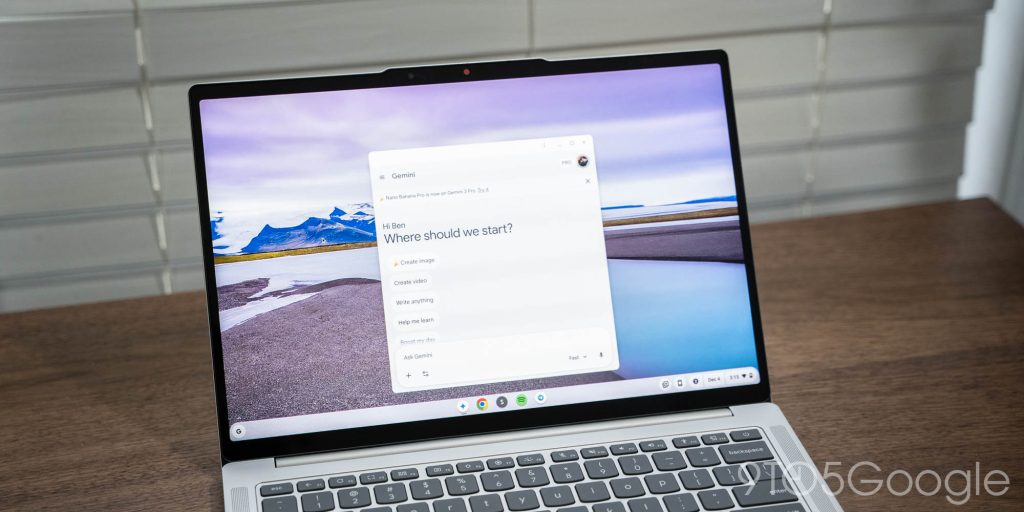
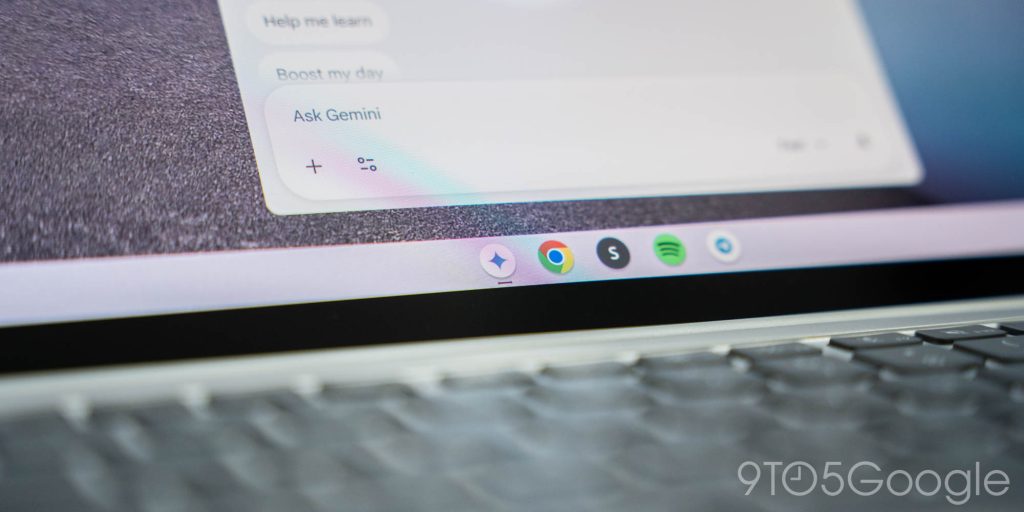
Personally, AI on ChromeOS very much feels the most useful to me when it’s just improving a feature I’m already using, much like how I feel about AI on Android. But, on a Chromebook, that really just boils down to how the AI can work with the web. I often used Gemini’s docked web app, but nothing else really felt all that useful. Most of ChromeOS’ AI features just feel like native implementations of what you already use Gemini for, but I think there’s something to be said for keeping those semi-separated.
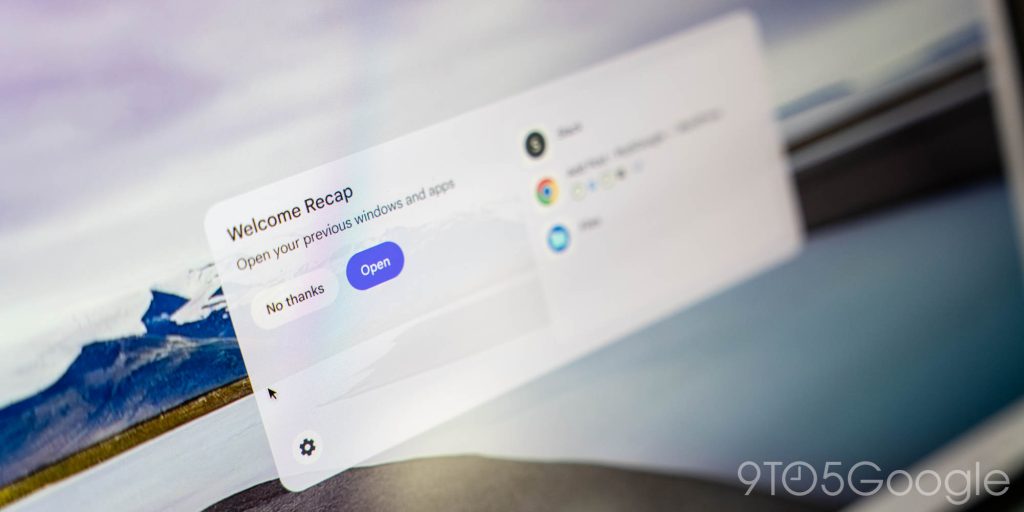
Ultimately, though, ChromeOS still doesn’t really feel like it knows what it wants to be. On one hand, it wants to be that simple web machine. On the other hand, the building out of support for Android and Linux apps has advanced what these machines are capable.
And yet, the future of ChromeOS is just bizarre. Google is transitioning the platform over to Android, which just makes me wonder what will happen to machines that exist today because, right now, we don’t really know.
That’s what makes the $649 price of the Lenovo Chromebook Plus 14 so tough. It’s too cheap to really compete with mainstream MacBooks or comparable Windows machines, but also way too expensive to not talk about those options. Personally, I’d much rather fork over an extra $100-200 for a Snapdragon X-based Windows machine where I don’t have to think about what I can and cannot do, especially seeing as that chip means that Windows laptops can last just about as long as Chromebooks, just without the compromises.
It’s all so weird.
If you like ChromeOS as it exists today, the Lenovo Chromebook Plus 14 is a solid choice. But if you’re on the fence then, personally, I’d go Windows. Lenovo itself has a good alternative in its IdeaPad lineup that runs on Snapdragon, has the same RAM allotment, and, to me, just seems like the better deal.
What do you think?
The Lenovo Chromebook Plus 14 technically starts at $649, but the 16GB model is the one readily available in the US, and it starts at $749 at Best Buy. Lenovo’s website sells the 12GB variant for $649, though it’s been on sale for $599 as of late.
More on ChromeOS:
Follow Ben: Twitter/X, Threads, Bluesky, and Instagram


FTC: We use income earning auto affiliate links. More.


Comments