

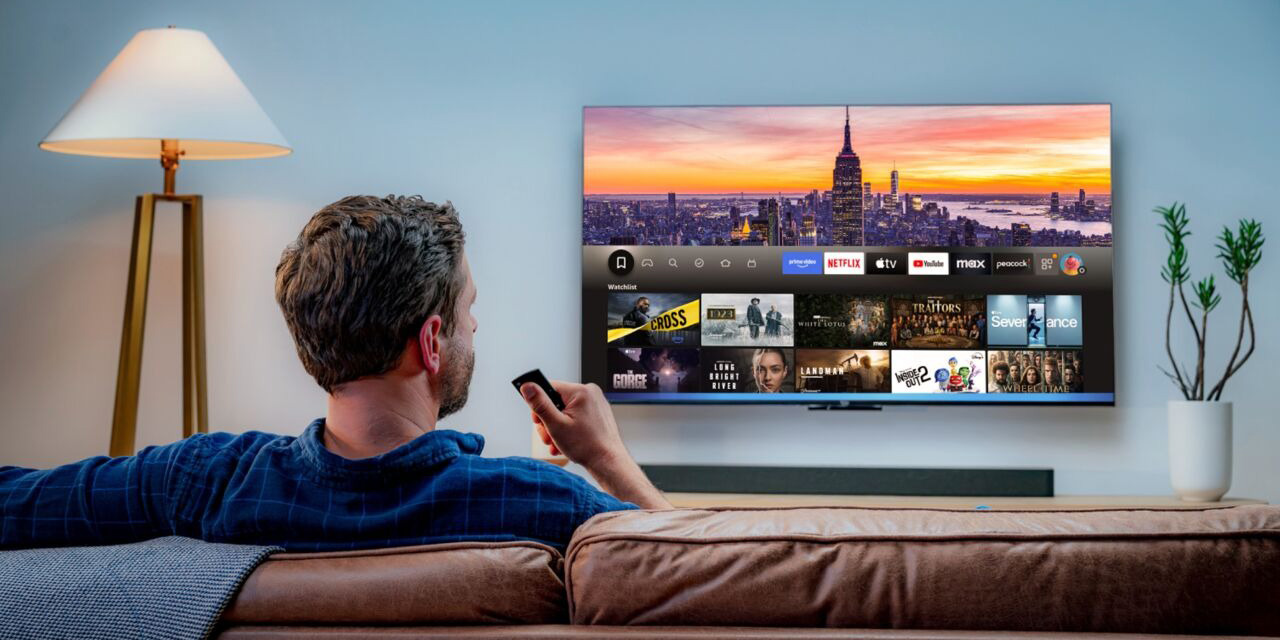
Amazon’s Alexa+ is starting to roll out some of its more advanced features, including a new option on Fire TV that lets you skip straight to a specific movie scene with just a voice command and a brief description.
Alexa on Fire TV, like Assistant and Gemini on Google TV or really any other voice assistant, can already open up movies and TV shows on demand, but Amazon is using its AI overhaul of Alexa to add a new capability. Users can now ask to go directly into a movie scene by just describing it, with commands such as “Jump to the scene in Mamma Mia where Sophie sings ‘Honey Honey.’”
Amazon explains:
Just ask Alexa+ to jump to the movie scene you have in mind, and Fire TV will start playing that scene on Prime Video. You can describe the scene to Alexa by mentioning details like the actor or character’s name, or a memorable quote.
This is available only with Alexa+, which is a paid upgrade to Alexa for $19.99/month or as a perk of Amazon Prime’s membership – something that still makes little to no sense when looking at the pricing.
While the use cases here are probably not widespread, it’s a pretty impressive idea if it actually works well. Gemini on Google TV, for instance, can’t do this, instead just returning YouTube clips or starting Spotify streams in the case of Amazon’s Mamma Mia example.
Notably, this only works with Prime Video, so other places you’ve purchased a movie or streaming apps like Netflix and Disney+ won’t work.
More on Fire TV:
- Amazon will keep using Android on Fire TV as new Vega OS focuses on low-end devices
- Amazon Fire TV will now block apps used for piracy, even if you sideloaded them
- Amazon rebrands ‘Fire TV Stick 4K Plus’ amid backlash over sideloading removal on new VegaOS
Follow Ben: Twitter/X, Threads, Bluesky, and Instagram


FTC: We use income earning auto affiliate links. More.


Comments