

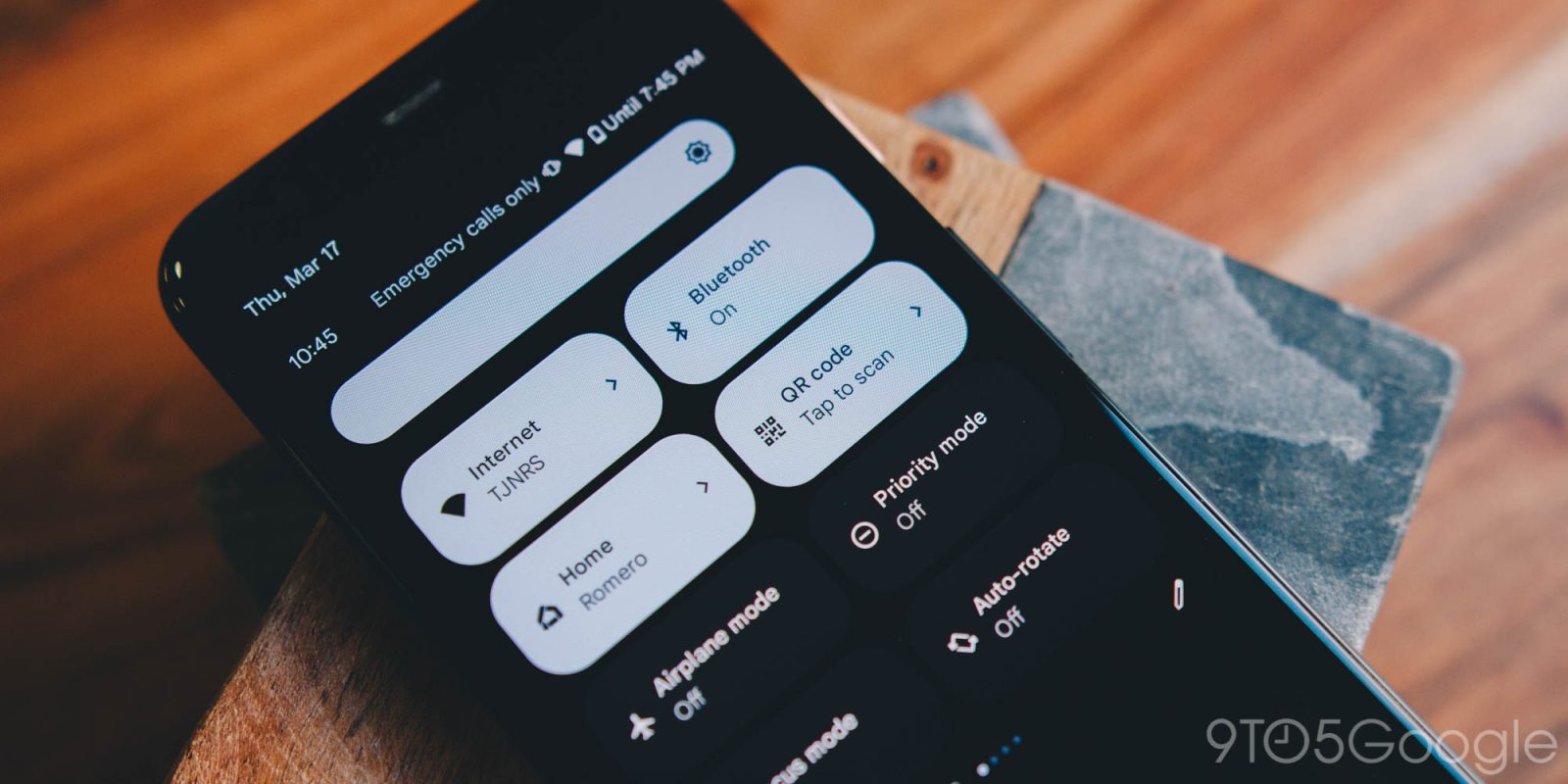
Back in July, Google widely introduced a redesign of the Android QR code scanner, but then rolled it back. The updated interface is now starting to reappear.
This is the QR code scanner available from the Quick Settings toggle or lockscreen shortcut. It opens a fullscreen camera viewfinder, with the new design miniaturizing the “Scan QR code” prompt and placing it at the top of the screen. At launch, there’s a fun crosshairs animation.
For improved one-handed usability, all controls are available in a pill at the bottom of the screen. This includes turning on/off the camera flash, the system file picker if you previously took a picture, and sending feedback.
Redesign
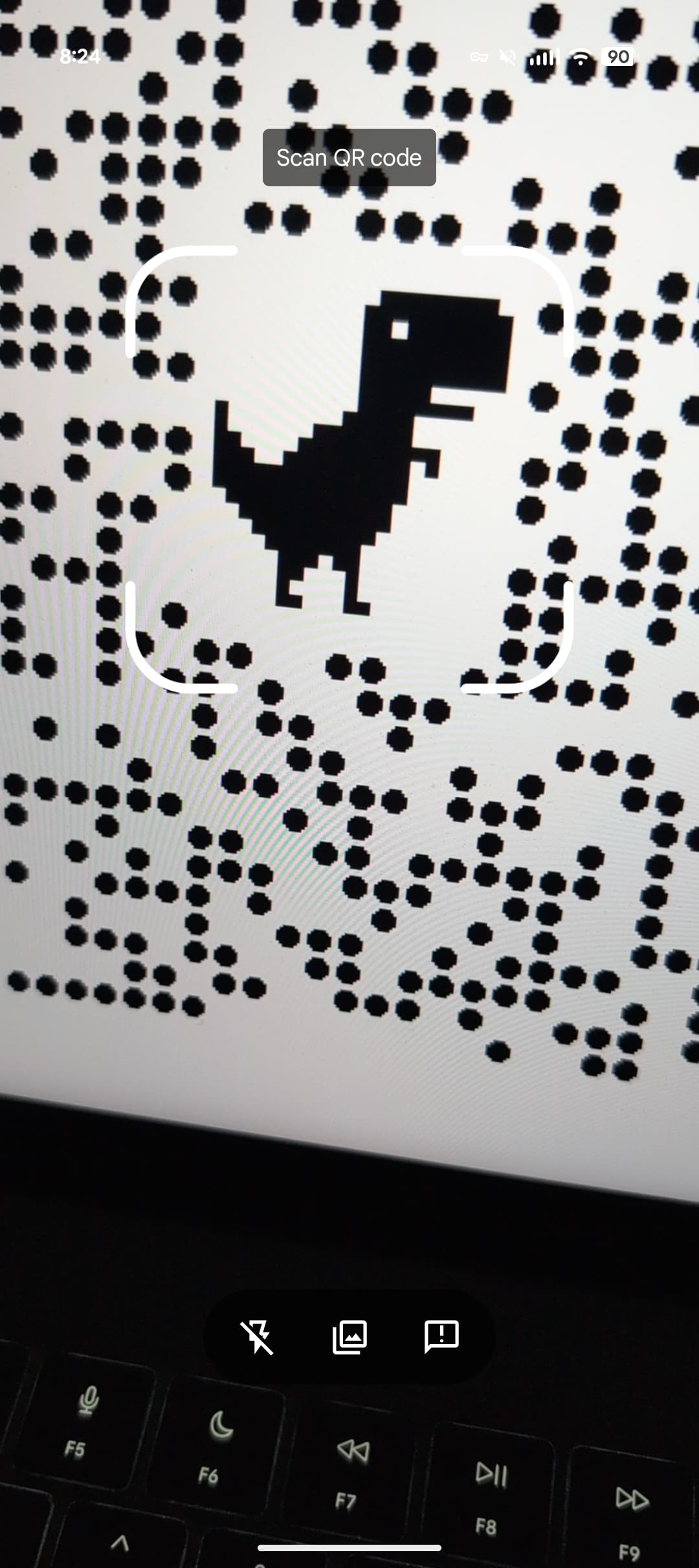

Once you scan a QR code, it’s converted to the default style and overlaid with a Material 3 shape. You get a bottom sheet to Open, Copy text, and Share the URL.
In late July, this was widely rolling out after being previewed in May: “We’ve updated the user interface in the QR code scanner to improve the overall user experience.” However, Google then rolled it back and restored the original interface.
As of today, we’re seeing this QR code redesign roll back out with version 25.46.32 of Google Play services on several Android devices today.
Old




FTC: We use income earning auto affiliate links. More.




Comments